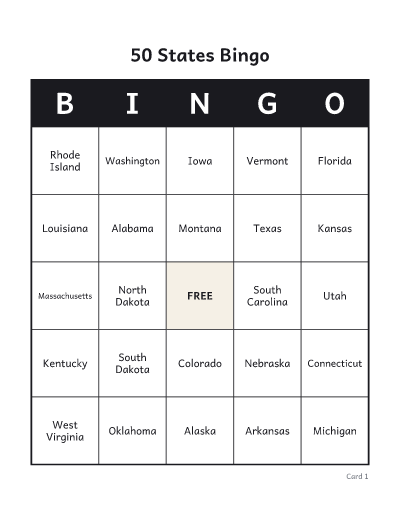
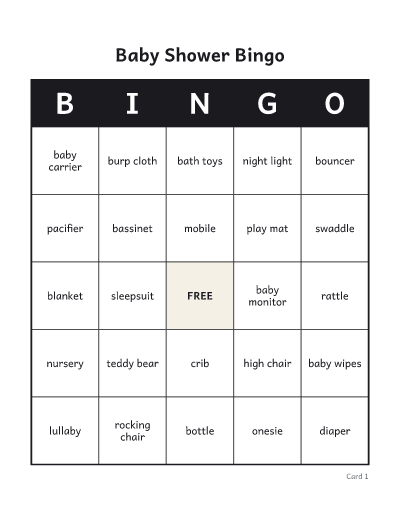
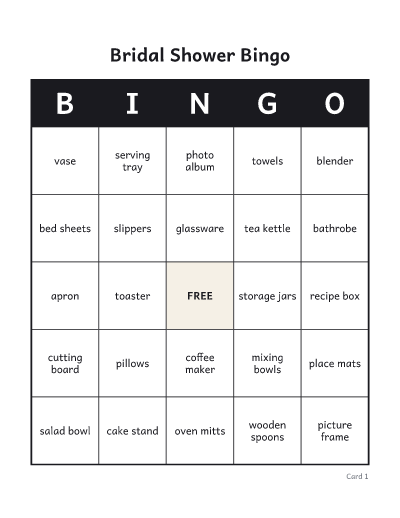
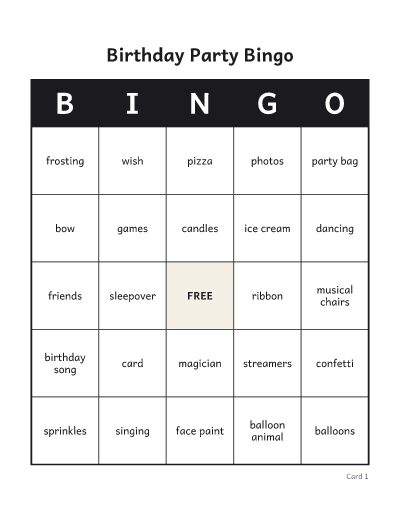
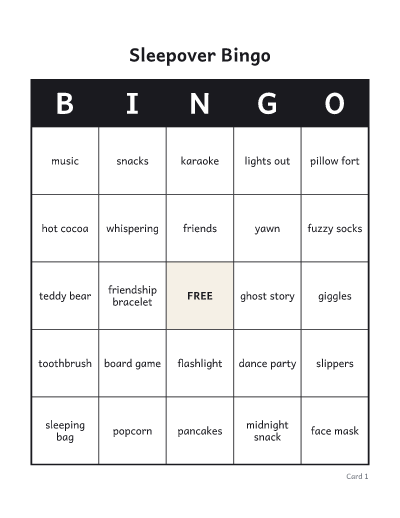
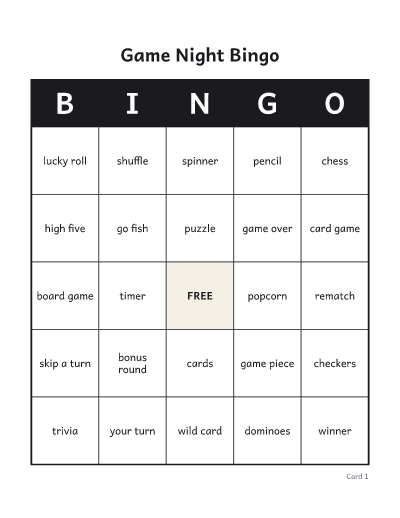
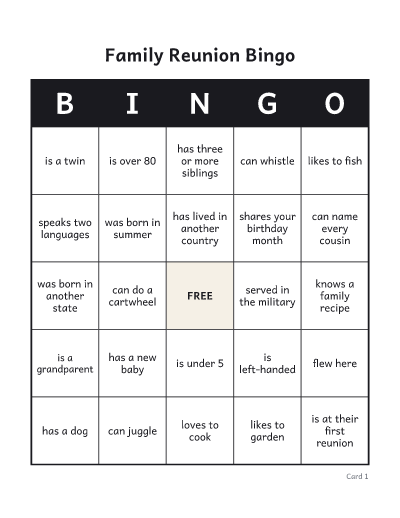
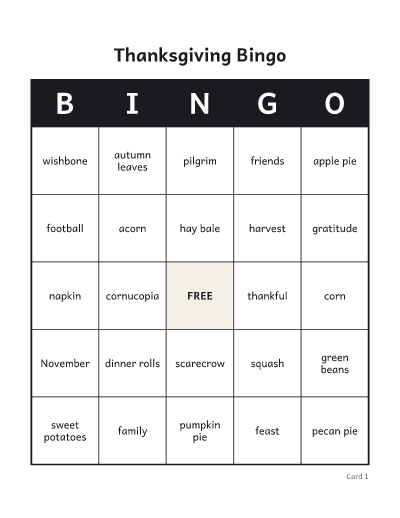
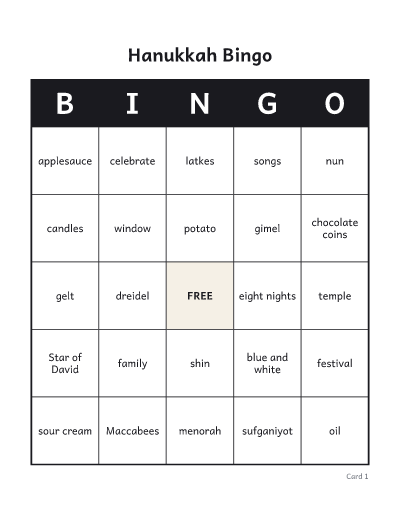
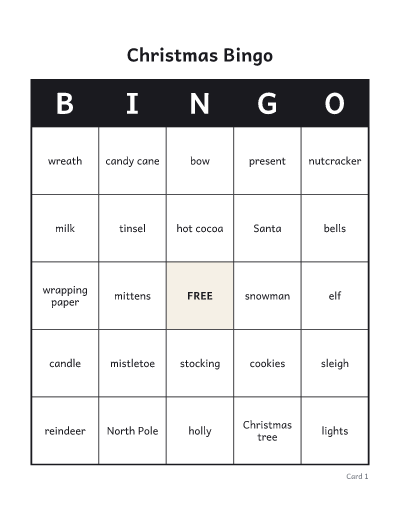
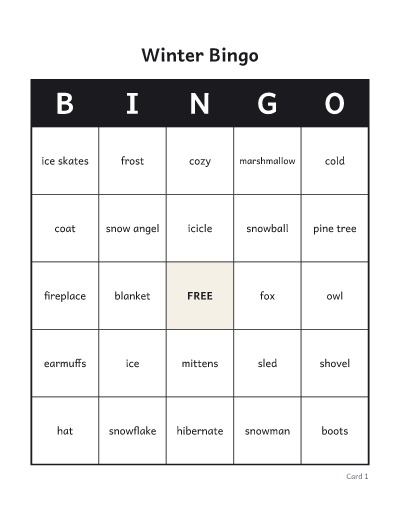
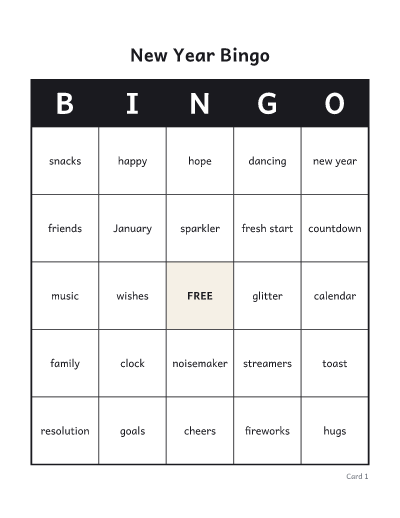
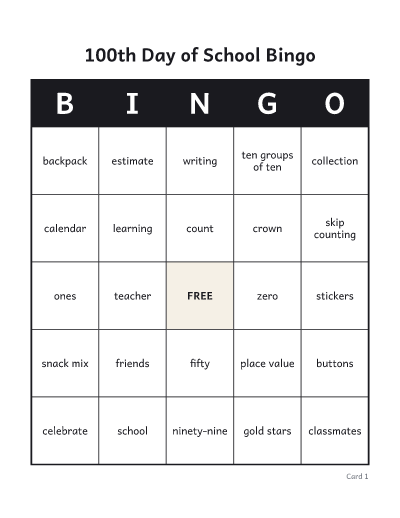
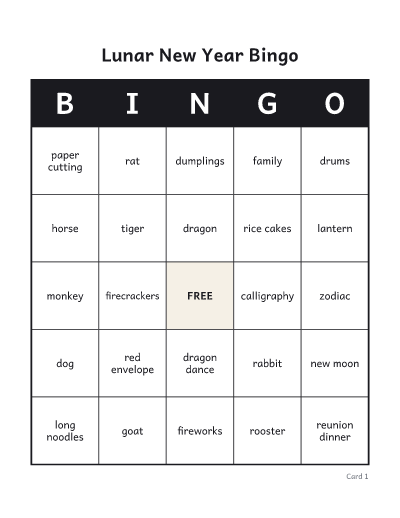
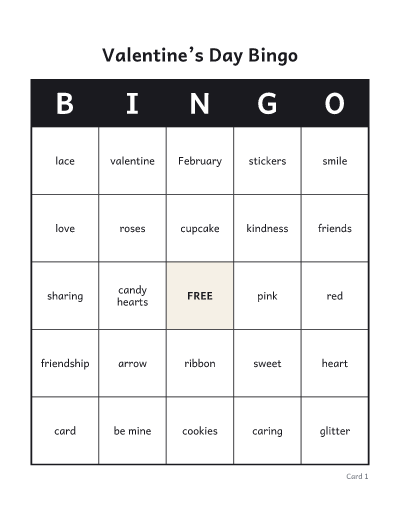
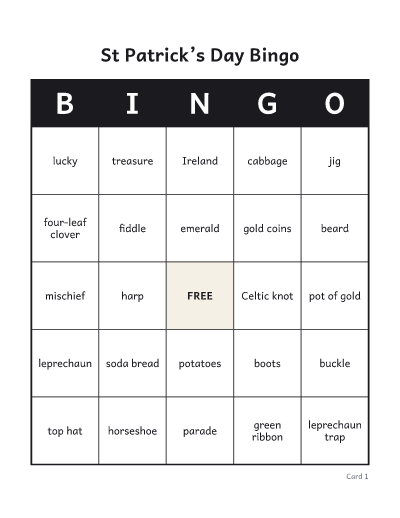
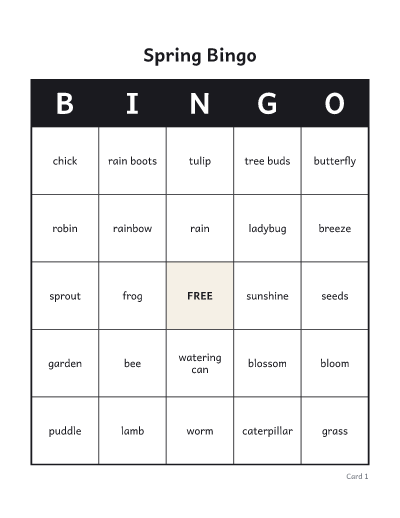
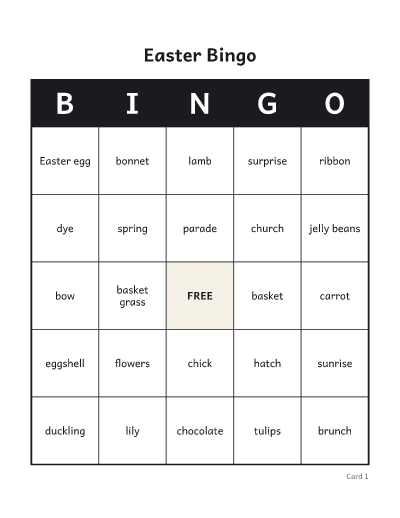
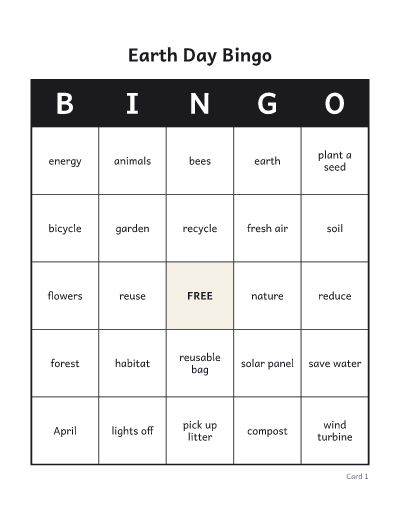
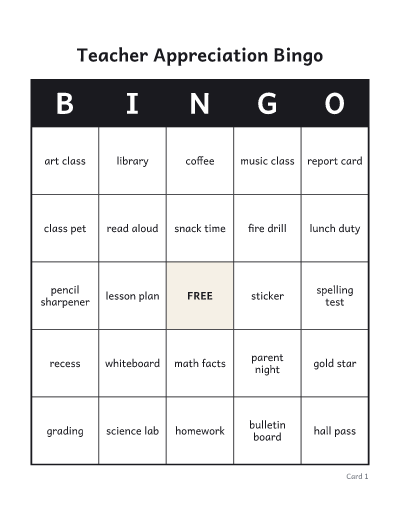
How to make bingo cards
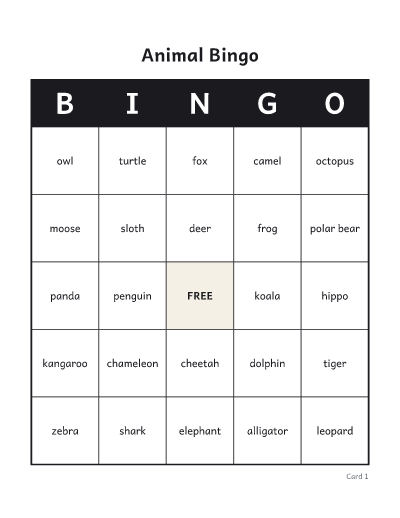
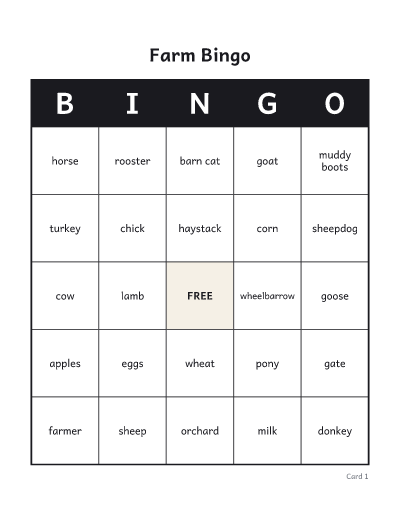
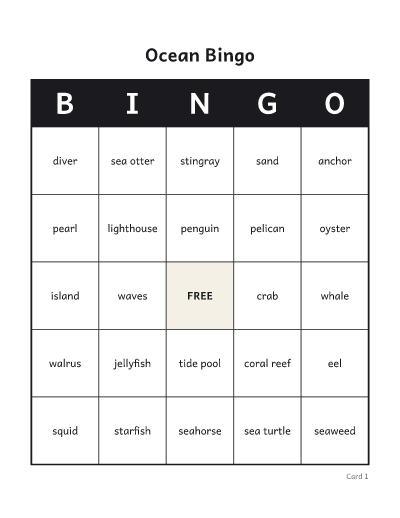
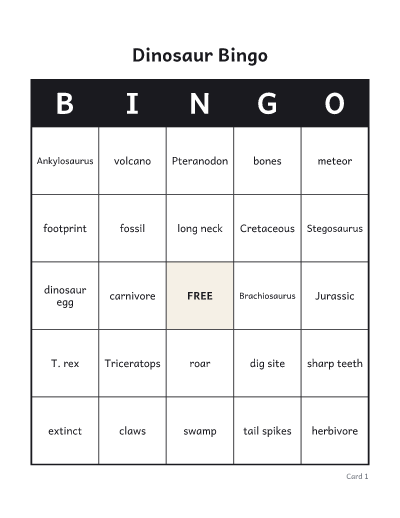
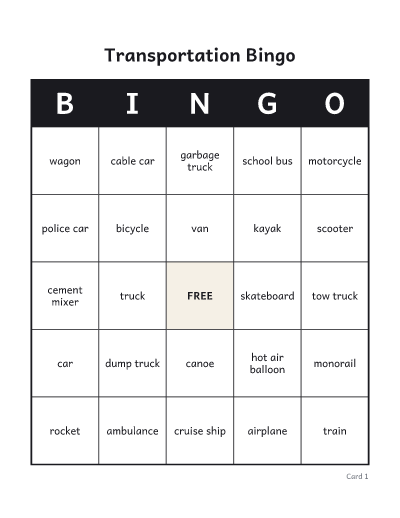
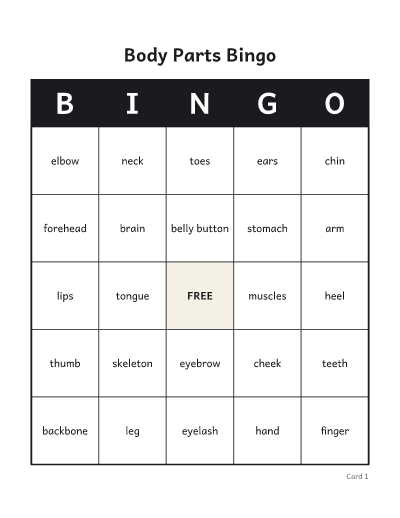
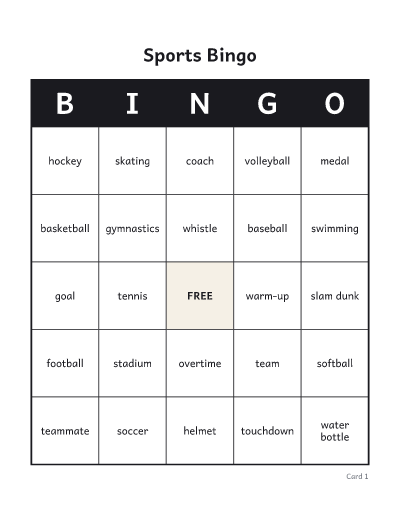
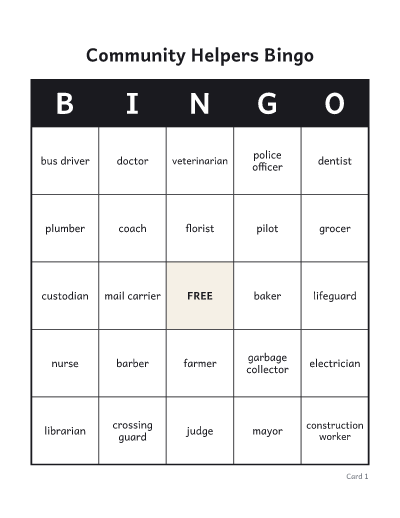
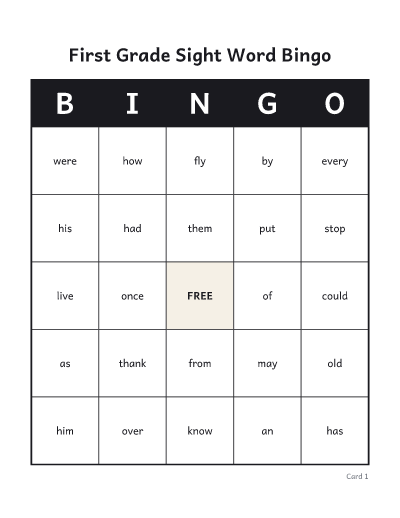
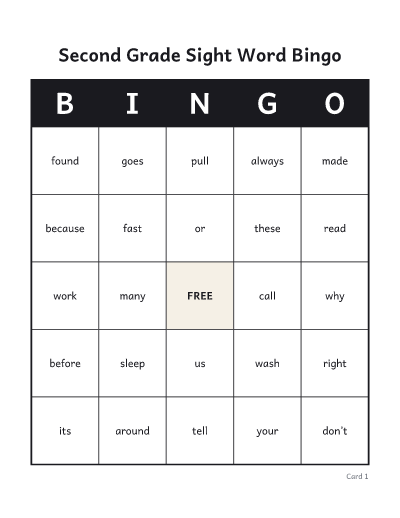
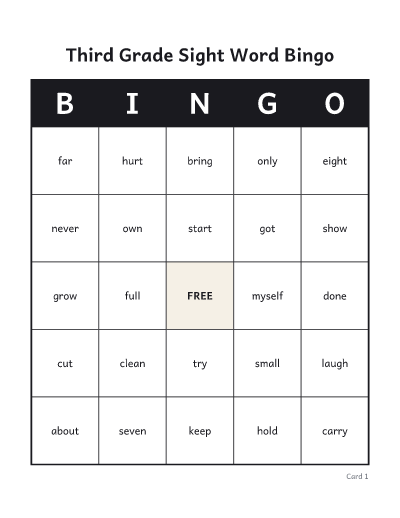
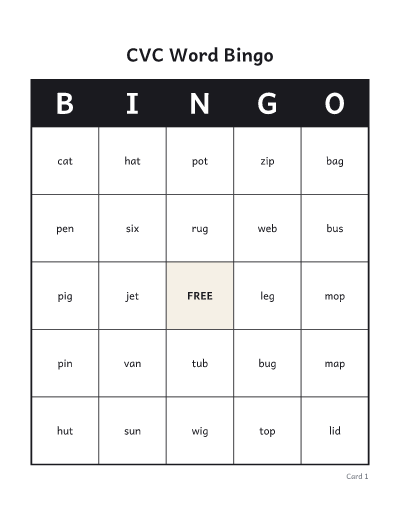
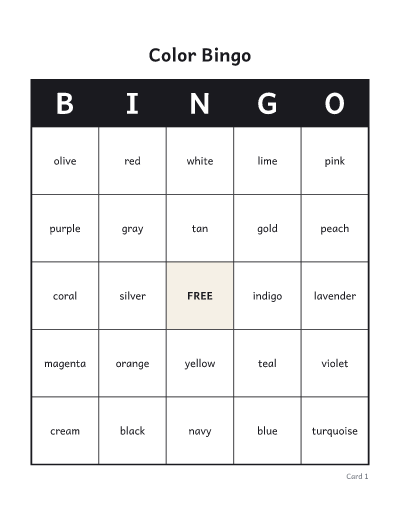
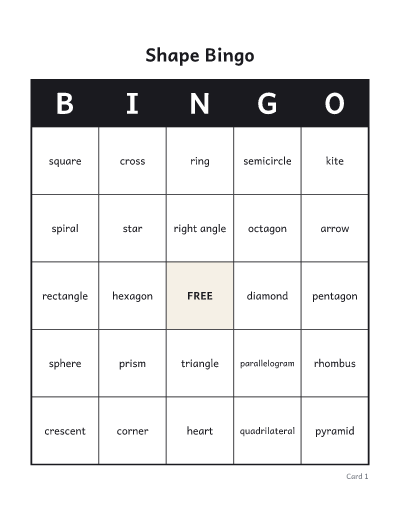
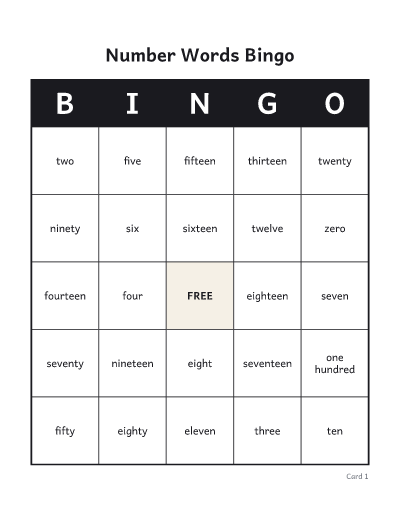
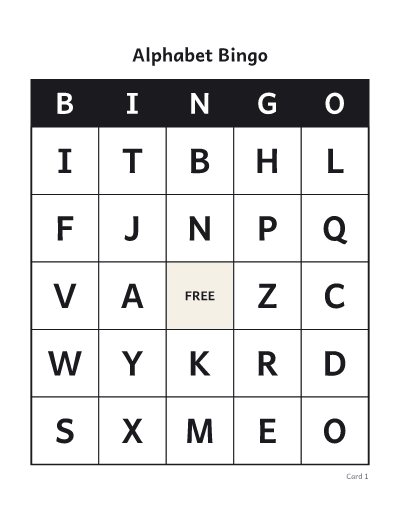
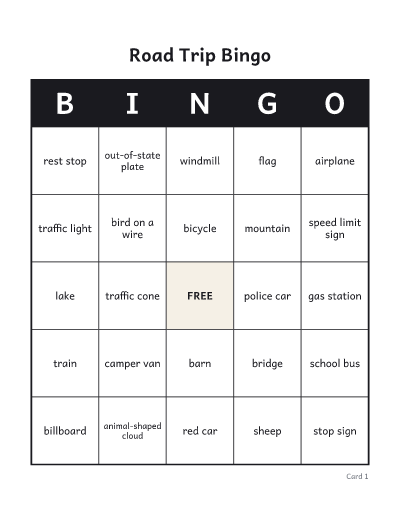
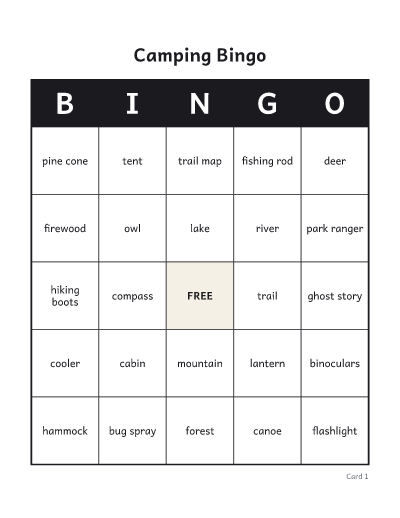
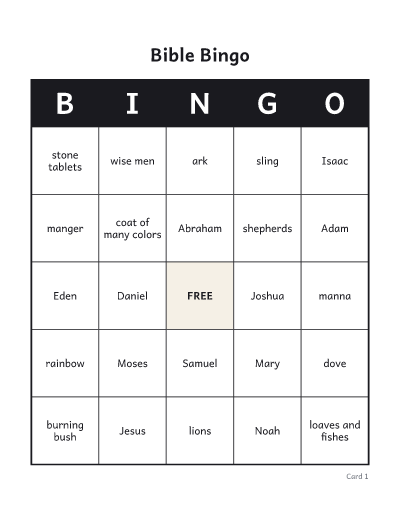
- Choose words or numbers. Words suit themed games: baby showers, classroom vocabulary, road trips. Numbers make the classic 75-ball game, where each column B, I, N, G, O holds its own 15 numbers.
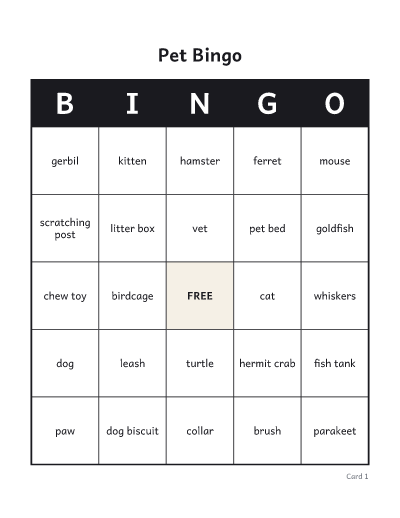
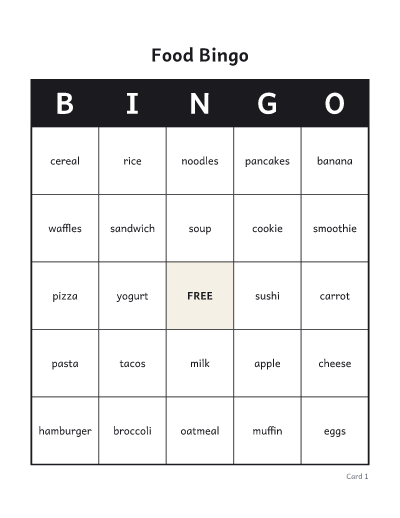
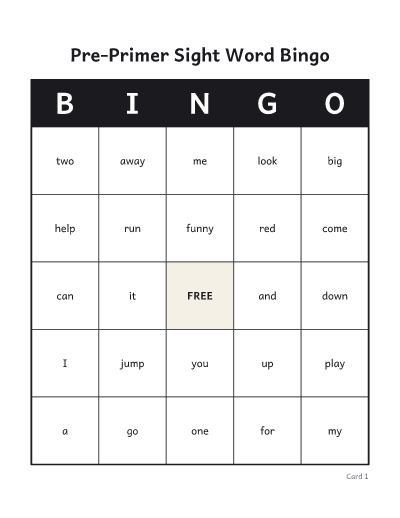
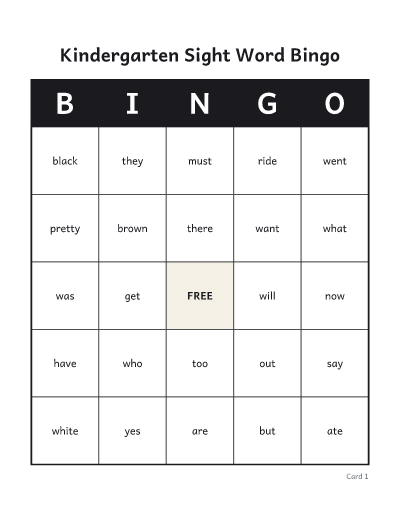
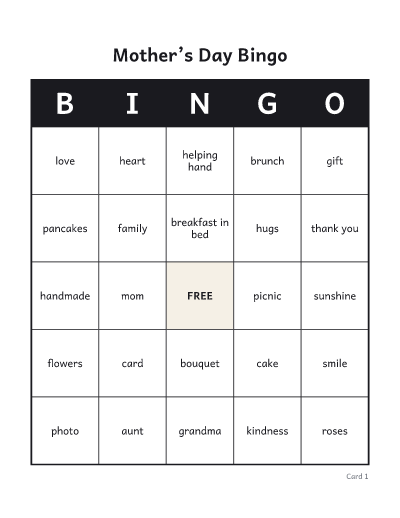
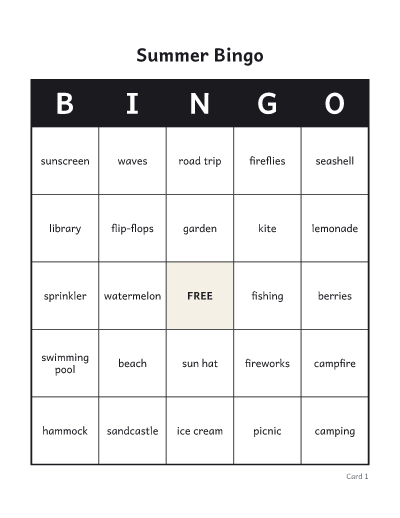
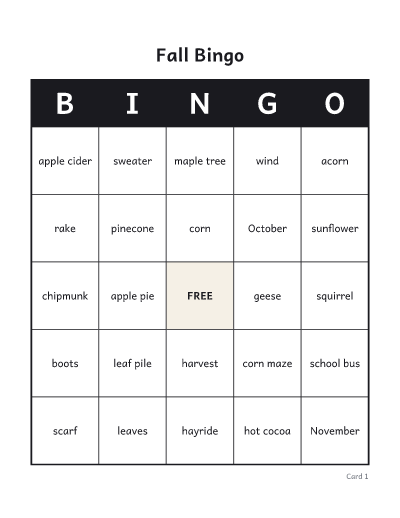
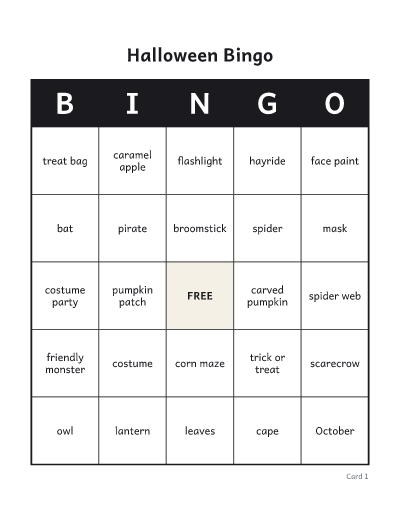
- Type your words, one per line or separated by commas. Use more words than squares on a card so every card gets a different mix.
- Set the number of cards: one per player, plus a few spares.
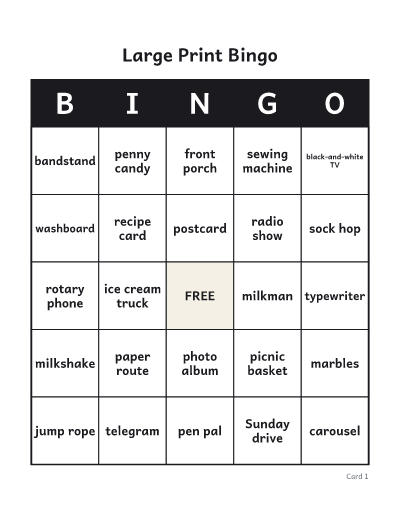
- Under “More options”, pick a grid size and 1, 2 or 4 cards per page. Four per page saves paper; one per page is easier to see from a distance and for young children.
- Download or print the PDF. The cards come first, each with its number, then a call list to tick off as you call each word or number.
Tips for running a game
- Cut the call list into slips and draw them from a bowl, or call in any random order and tick the list as you go.
- To call on a screen instead, choose “Play this game on screen”. The online caller uses the same cards, calls in random order and checks a winning card by its number.
- A 3 × 3 card makes a quick game for young children; 5 × 5 makes a longer game.
- Decide the winning pattern before you start: a line, four corners, or a full card.
- Every card has a number in the corner, so you can check a winning card against the PDF.
- Use beans, coins or a pencil as markers so the cards can be used again.
Common questions
Is every card different?
Yes. No two cards share the same layout. If you type more words than a card has squares, each card also gets a different selection of words.
How many words do I need?
At least as many as the squares on one card: 24 for a 5 × 5 card with a free space, 25 without, 16 for 4 × 4 and 8 for 3 × 3 with a free space. Around 40 words for a 5 × 5 card gives a good mix. You can use up to 200 words or short phrases.
How many cards can I make?
Up to 100 in one PDF. Use “Shuffle cards” to make another batch.
Can I print the same cards again later?
Use “Copy link to these cards”. The link holds your words and settings and rebuilds exactly the same cards. Cards you download or print on this device are also listed under “Your recent sheets”.
Can I print without downloading?
Yes. Print, next to Download, sends the cards and the call list straight to your printer. On some browsers and on phones it opens in a new tab, ready to print from there.
Can I call the game on a screen?
Yes. “Play this game on screen” opens the online bingo caller with the same words and cards. It calls one word or number at a time, keeps a board of every call, and checks any card by its number.
Is it free?
Yes. No account, no email and no watermark.