How to make a math worksheet
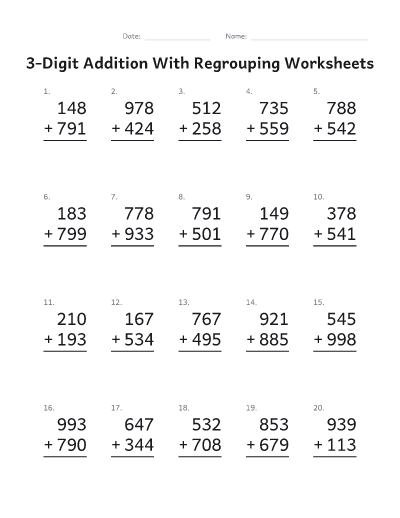
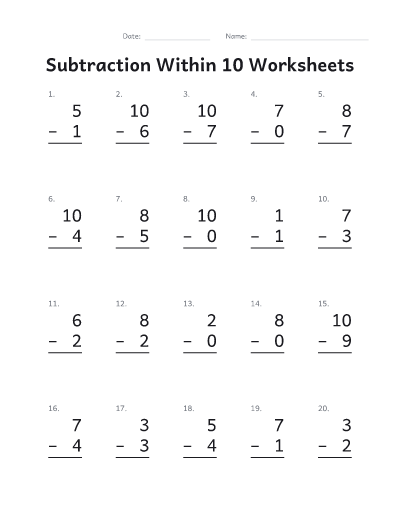
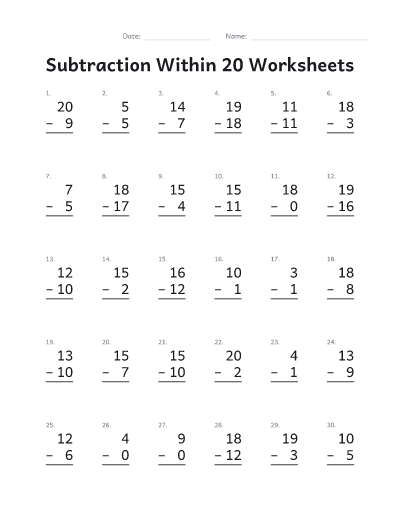
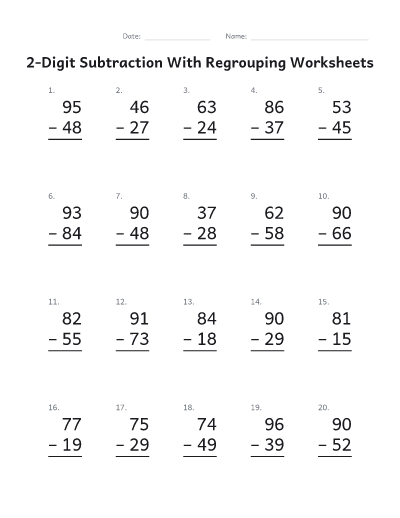
- Start from a quick start such as “2-digit addition with regrouping” or “Division facts”, or choose the operation and the numbers yourself.
- Open “Numbers” to set the range for each number. For division, the first range is the answers and the second is the number to divide by, so every problem comes out even unless you allow remainders.
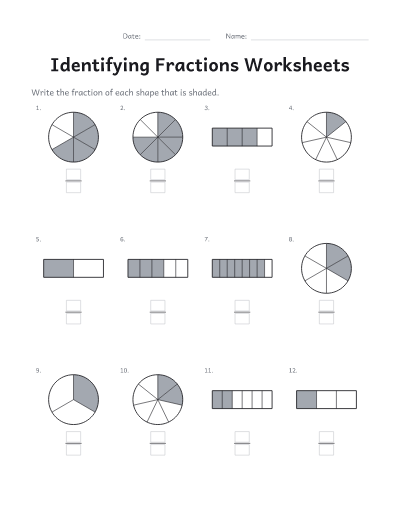
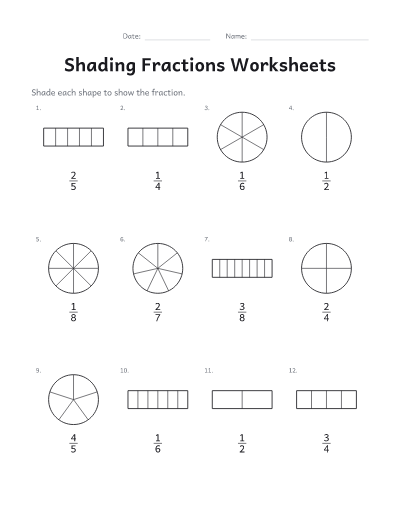
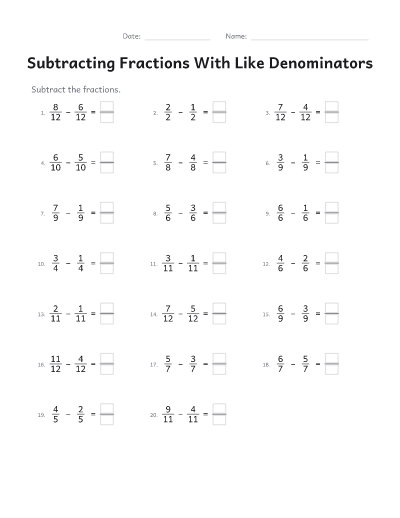
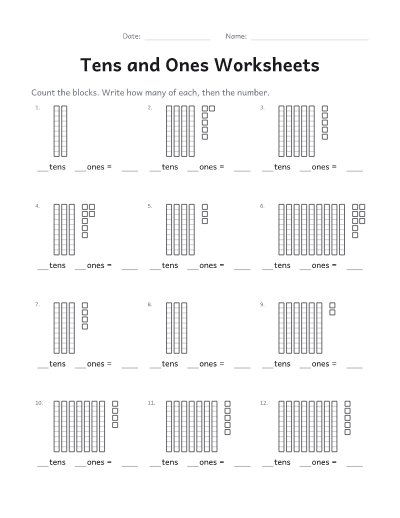
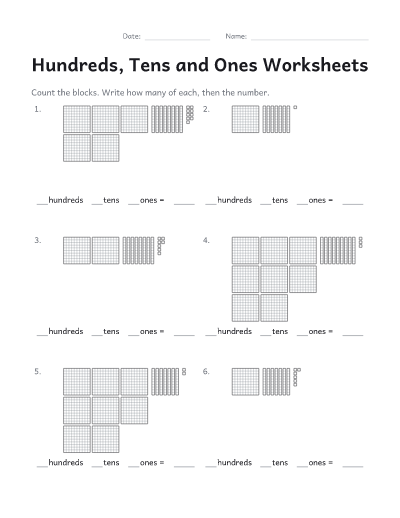
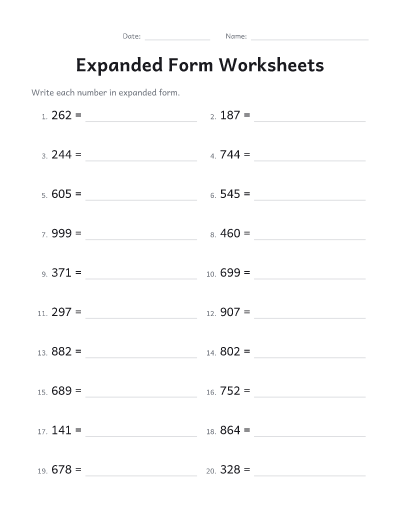
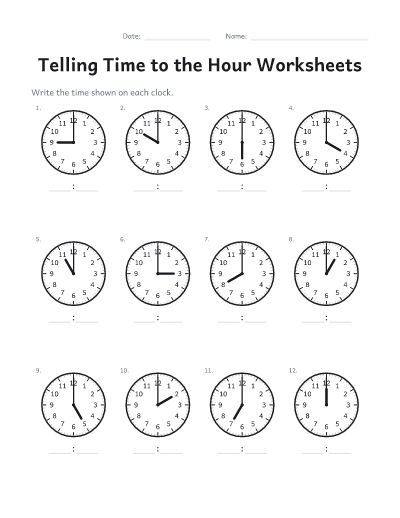
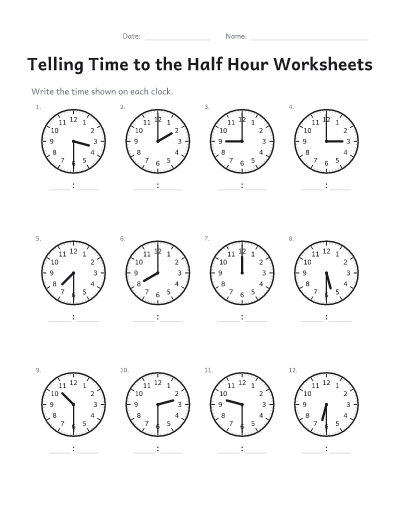
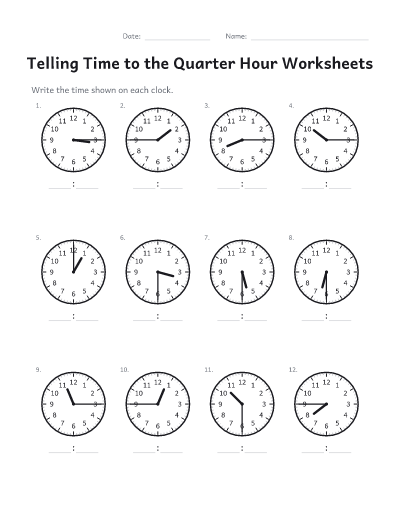
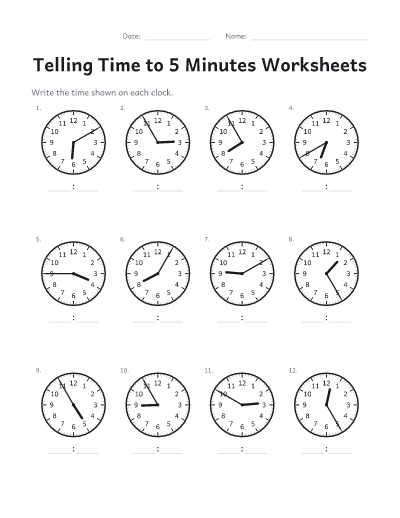
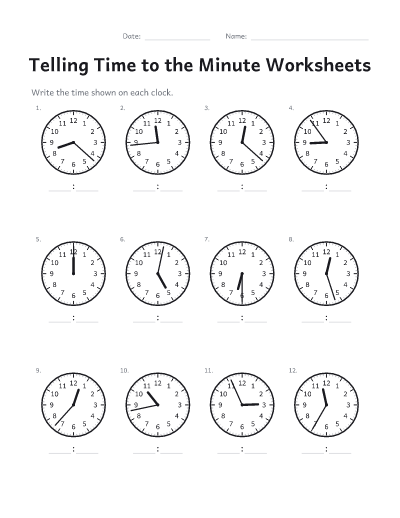
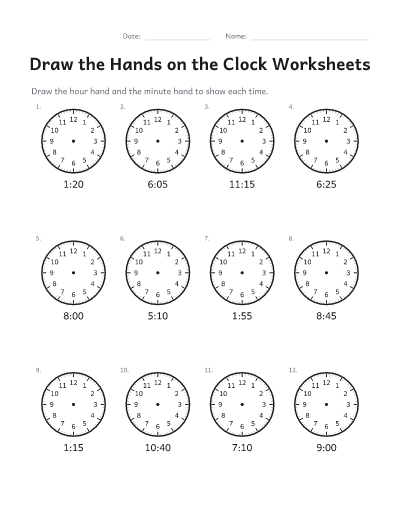
- For fractions, place value or telling time, choose it under “Problems”, then the kind of problem: shapes to shade or name, base-ten blocks or expanded form, clocks to read or clocks to draw the hands on.
- Pick how many problems go on each sheet, and whether they are stacked in columns or written in a line.
- Need a different sheet for each student, or one for each day of the week? Open “For a class” and set “Different sheets”. Every sheet has its own problems and its own answer key.
- Download or print the PDF. The worksheets come first and the answer keys follow, so you can print them separately.
Tips for practice sheets
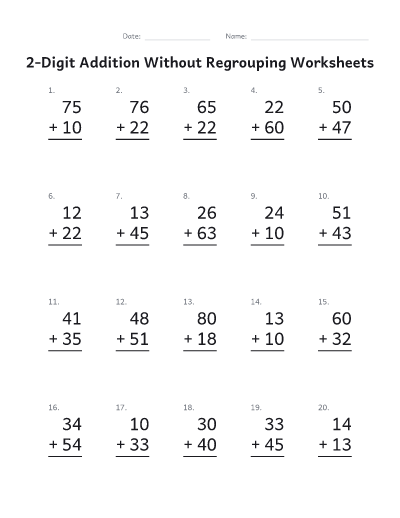
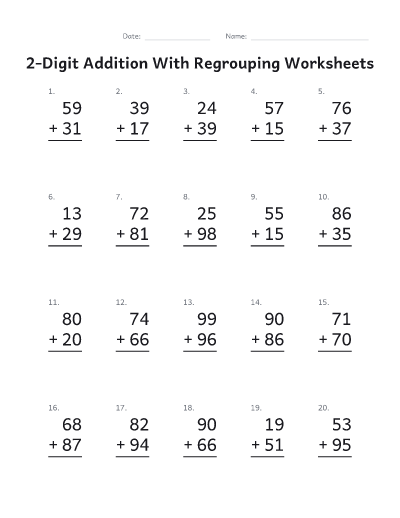
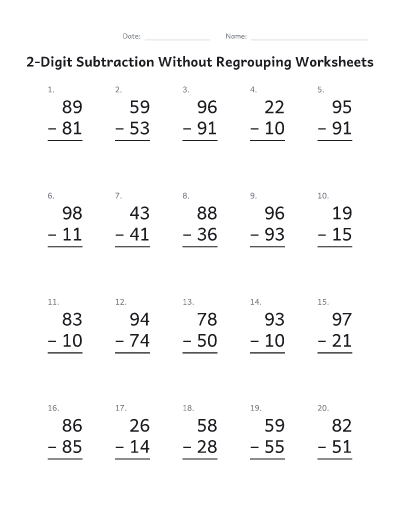
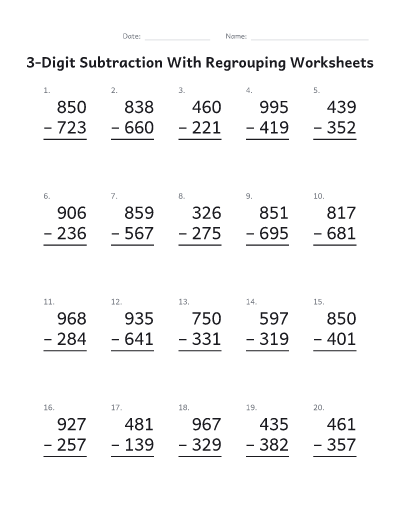
- “Without regrouping” keeps every column under ten (no carrying), or every top digit at least as big as the one below (no borrowing). Start there, then move on to “With”, where every problem needs at least one carry or borrow.
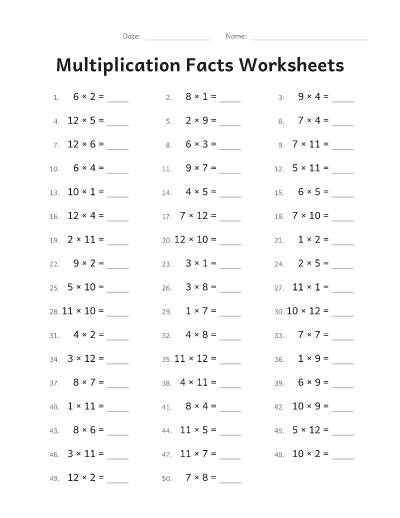
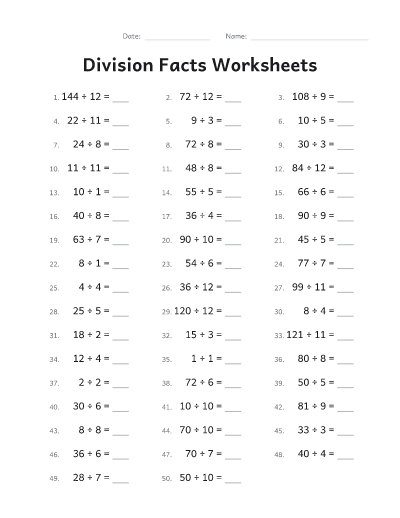
- For a timed fact drill, choose the facts, 50 or 100 problems and the “In a line” layout. Repeat the same sheet over a week and write down the time.
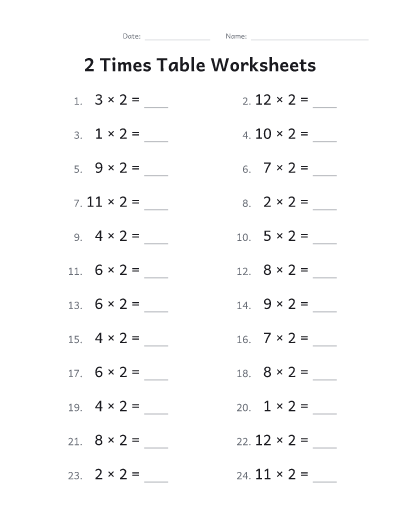
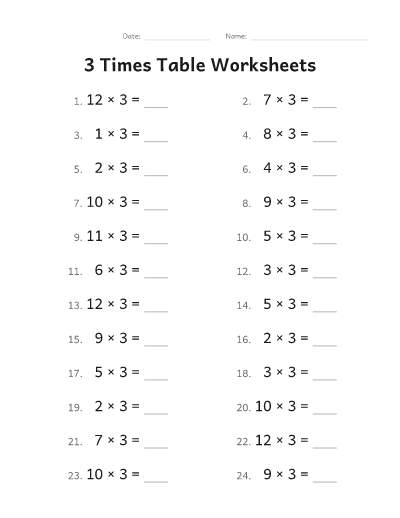
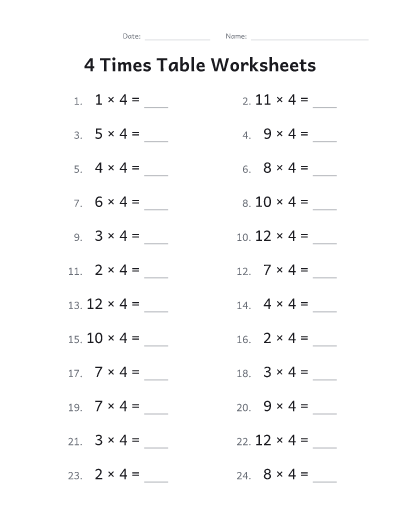
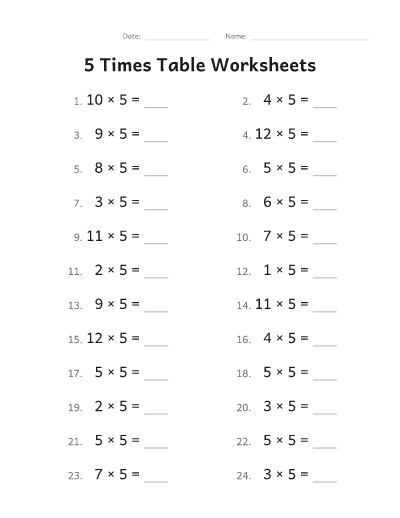
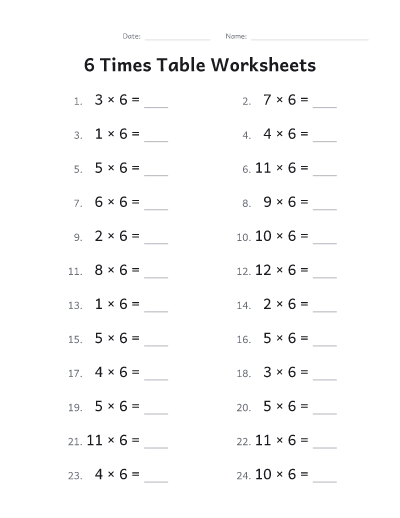
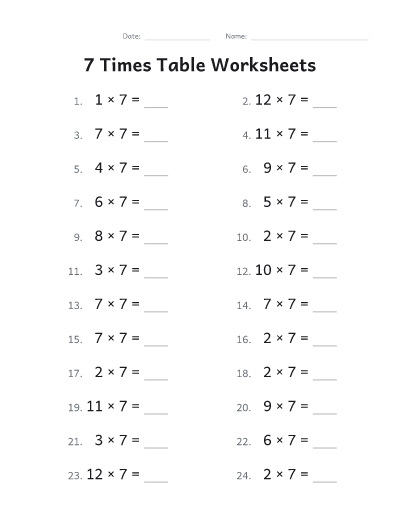
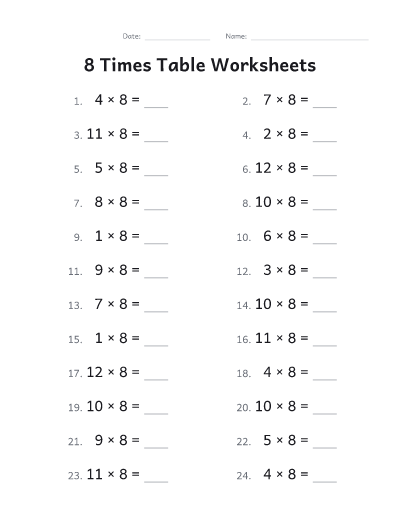
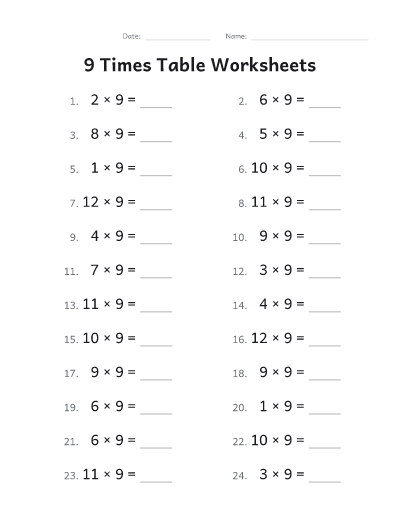
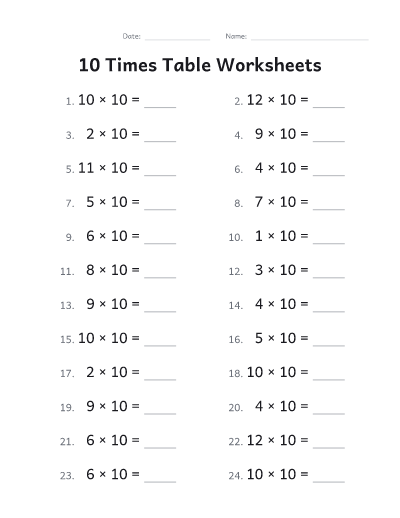
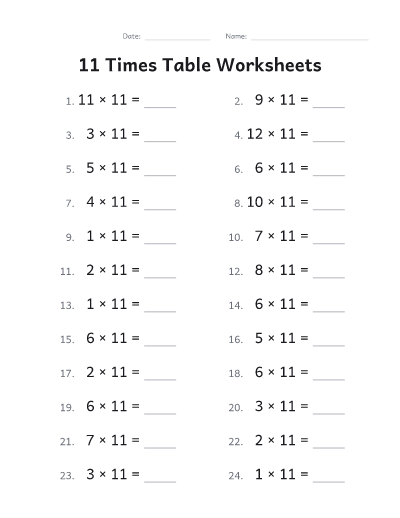
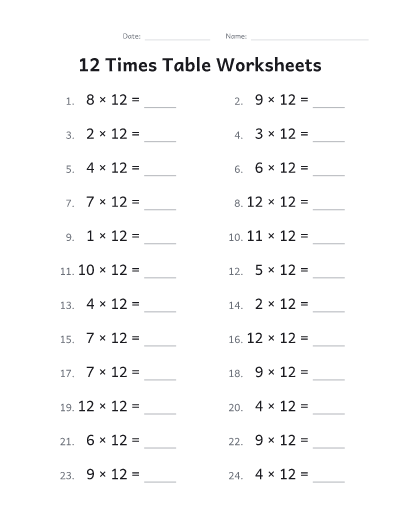
- Practicing one times table at a time? Set the second number to the same value at both ends, such as 7 to 7.
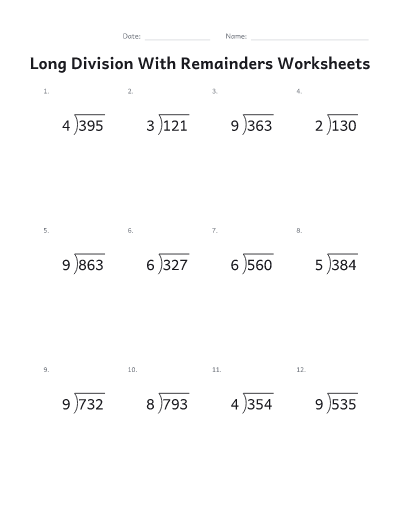
- Long division and 2-digit multiplication sheets leave room under each problem to work it out.
- Clocks go in steps: the hour and half hour first, then quarter hours, 5 minutes and finally the minute. On the fraction sheets, denominators from 2 to 4 keep to halves, thirds and fourths.
- Use “Copy link to these sheets” to keep a set you like: the link brings back exactly the same problems.
Common questions
Is it free?
Yes. Every worksheet and answer key is free to download and print, with no account, no email and no watermark.
What does regrouping mean?
Regrouping is carrying in addition (when a column adds up to 10 or more) and borrowing in subtraction (when a top digit is smaller than the one below it). Choose “Without” for problems with none, “With” for problems that need at least one, or “Any” for a mix.
Does it make fraction, place value and telling time worksheets?
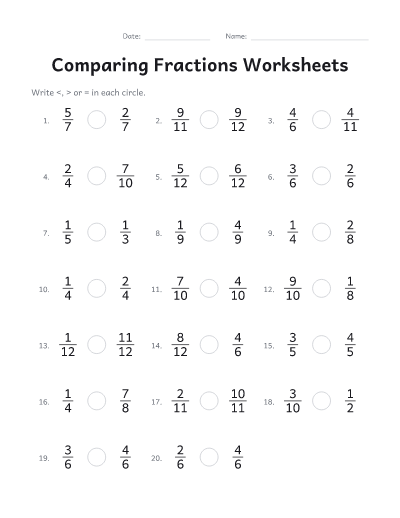
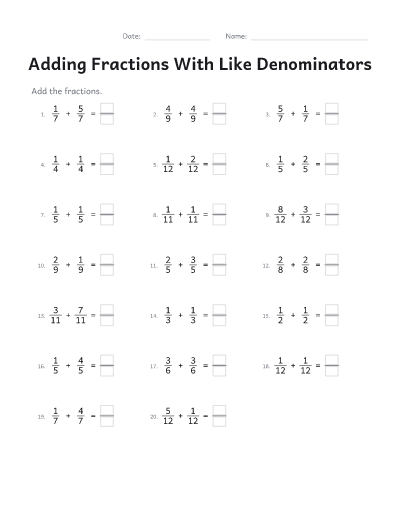
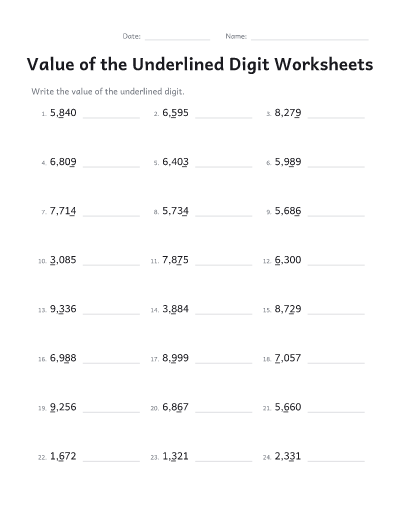
Yes. Choose Fractions, Place value or Telling time under “Problems”: shaded shapes, comparing, adding and subtracting fractions; base-ten blocks, the underlined digit and expanded form; clocks to read or to draw the hands on, from the hour to the minute. Each has its answer key.
How big can the numbers be?
Up to 9,999, so problems can use numbers of up to four digits. Each sheet holds from 6 to 100 problems. Answers are never negative: in subtraction the larger number always goes on top.
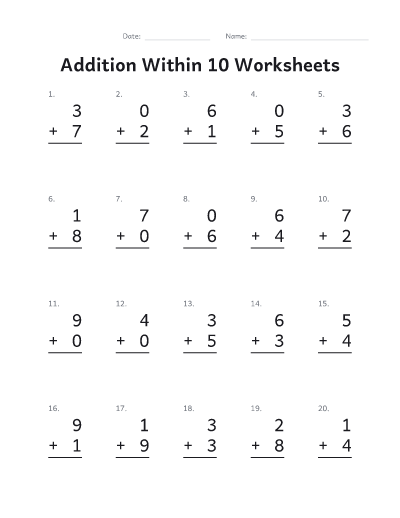
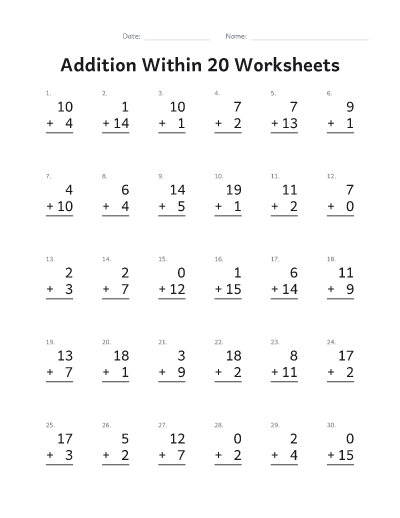
How do I make addition within 10 or within 20?
Choose “Addition within 10” or “Addition within 20” as the quick start, or set “Largest sum” yourself. No answer will be bigger than it.
Can I print a different sheet for every student?
Yes. Set “Different sheets” up to 20. Each sheet gets its own problems, and the answer keys are numbered to match.
Can I get the same sheets again later?
Use “Copy link to these sheets”. The link holds your settings and rebuilds exactly the same problems. Sheets you download or print on this device are also listed under “Your recent sheets”.
Can I print without downloading?
Yes. Print, next to Download, sends the worksheets and answer keys straight to your printer. On some browsers and on phones it opens in a new tab, ready to print from there.