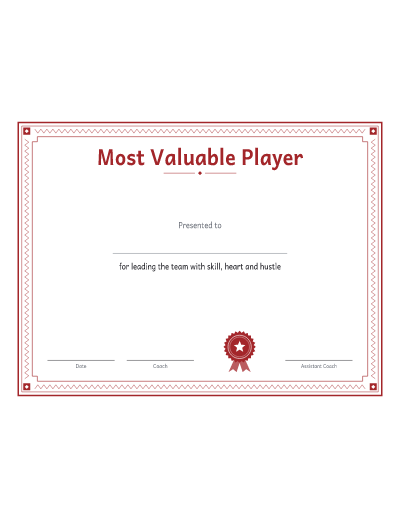
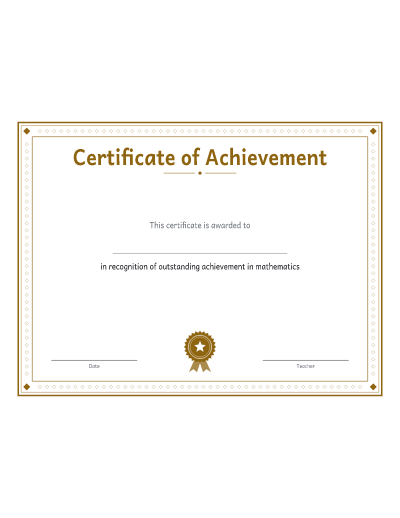
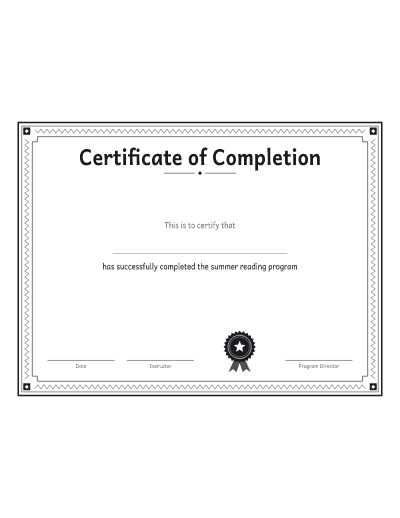
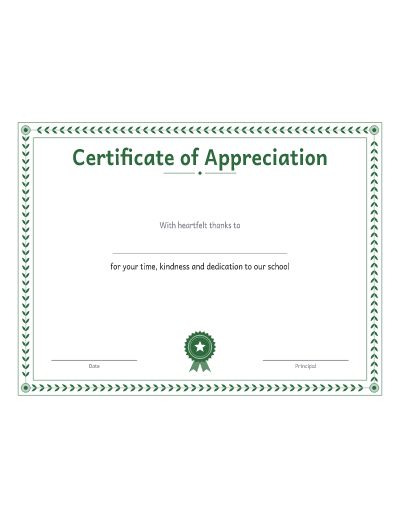
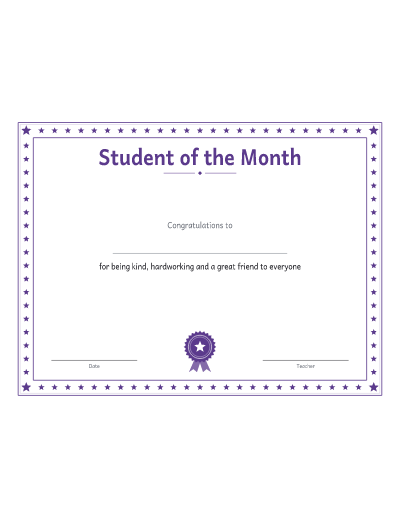
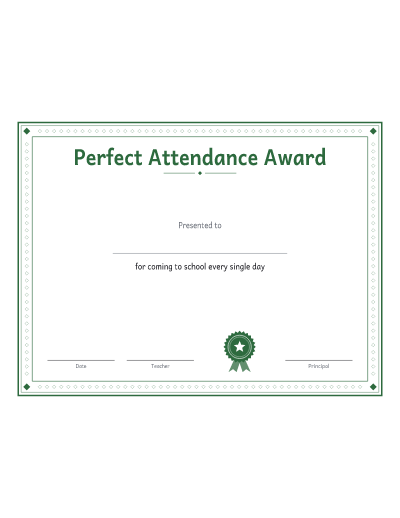
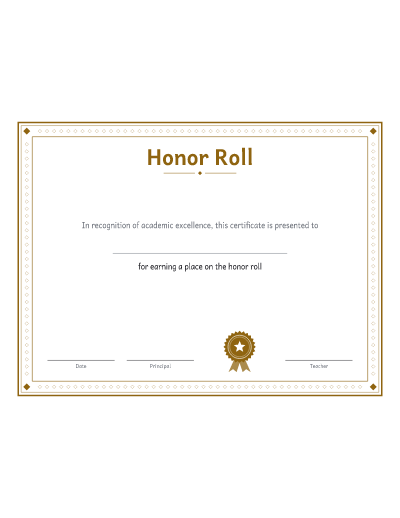
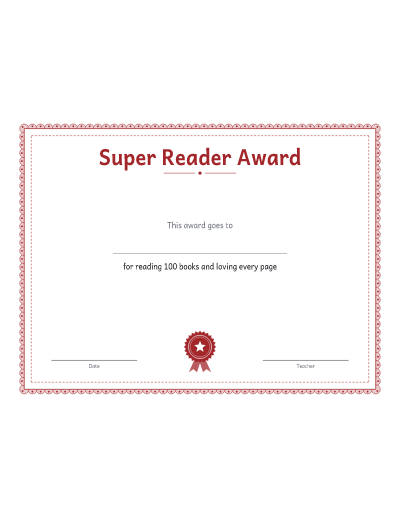
Classroom awards to start from
Pick one to open it on the certificate, or copy the wording onto a student’s line after their name.
- Super Reader Award for always having a book in hand
- Math Whiz Award for solving every problem with patience and care
- Kind Heart Award for always making others feel welcome
- Creative Writer Award for stories full of imagination
- Science Explorer Award for asking big questions and finding answers
- Artist of the Year for filling our classroom with color
- Most Improved Award for growing so much in every subject
- Helping Hand Award for being the first to help a friend
- Leadership Award for showing the way with kindness and courage
- Never Give Up Award for working hard even when it was tricky
- Sunshine Award for bringing a smile to class every day
- Great Listener Award for always paying close attention
- Organization Star for a desk and folder that are always ready
- Super Speller Award for spelling words big and small
- Curious Mind Award for wondering, exploring and asking why
- Team Player Award for making every group project better
- Problem Solver Award for finding clever ways around every challenge
- Good Friend Award for including everyone at recess
- Bright Idea Award for sharing ideas that help us all learn
- Super Scientist Award for careful experiments and great observations
- Storyteller Award for telling stories that keep us all listening
- Positive Attitude Award for looking on the bright side every day
- Respect Award for treating everyone with kindness and care
- Music Maker Award for filling our class with songs and rhythm
- Historian Award for loving stories from long ago
- Geography Guru for knowing the world map by heart
- Responsibility Award for always doing the right thing, even when no one is looking
- Classroom Helper Award for keeping our room tidy and running smoothly
- Brave Learner Award for trying new things without fear of mistakes
- Future Teacher Award for helping classmates understand new ideas
How to make end of year awards for a whole class
- Pick an award from the list, or type your own title and reason.
- In Names, type each student on their own line. To give each one a different award, write it after a dash, then the reason after another dash: “Leo Park - Super Reader Award - for always having a book in hand”.
- Check each certificate in the preview, then download one PDF with a page for every student.
Tips for end of year awards
- Make sure every child gets an award, and that each one is about something real they did, not just a label.
- Write the list of names and awards in a document first, then paste it into Names in one go.
- Print on card stock and sign in ink the week before the last day, so there is time to fix a spelling.
- Read each reason aloud at an end of year celebration, and let the class cheer for every name.
- Send a photo of the certificate home, or tuck it in the end of year portfolio.
Common questions
How many certificates can I make at once?
Up to 100 in one PDF, one page each, so a whole grade can print together.
Can every student have a different award?
Yes. Put the award after the name with a dash, and the reason after a second dash. A line with only a name gets the award at the top of the form.
Are the students’ names kept anywhere?
No. They stay in your browser while you work and are never sent, saved or put in a link.
What if I want to write the names by hand?
Leave Names empty and print as many copies as you need. Each certificate has a line for the name.
Can I use these for preschool or high school?
Yes. Change the title and reason to suit any age, and choose the scalloped border for younger children or the classic border for older students.