One to a hundred in rows of ten
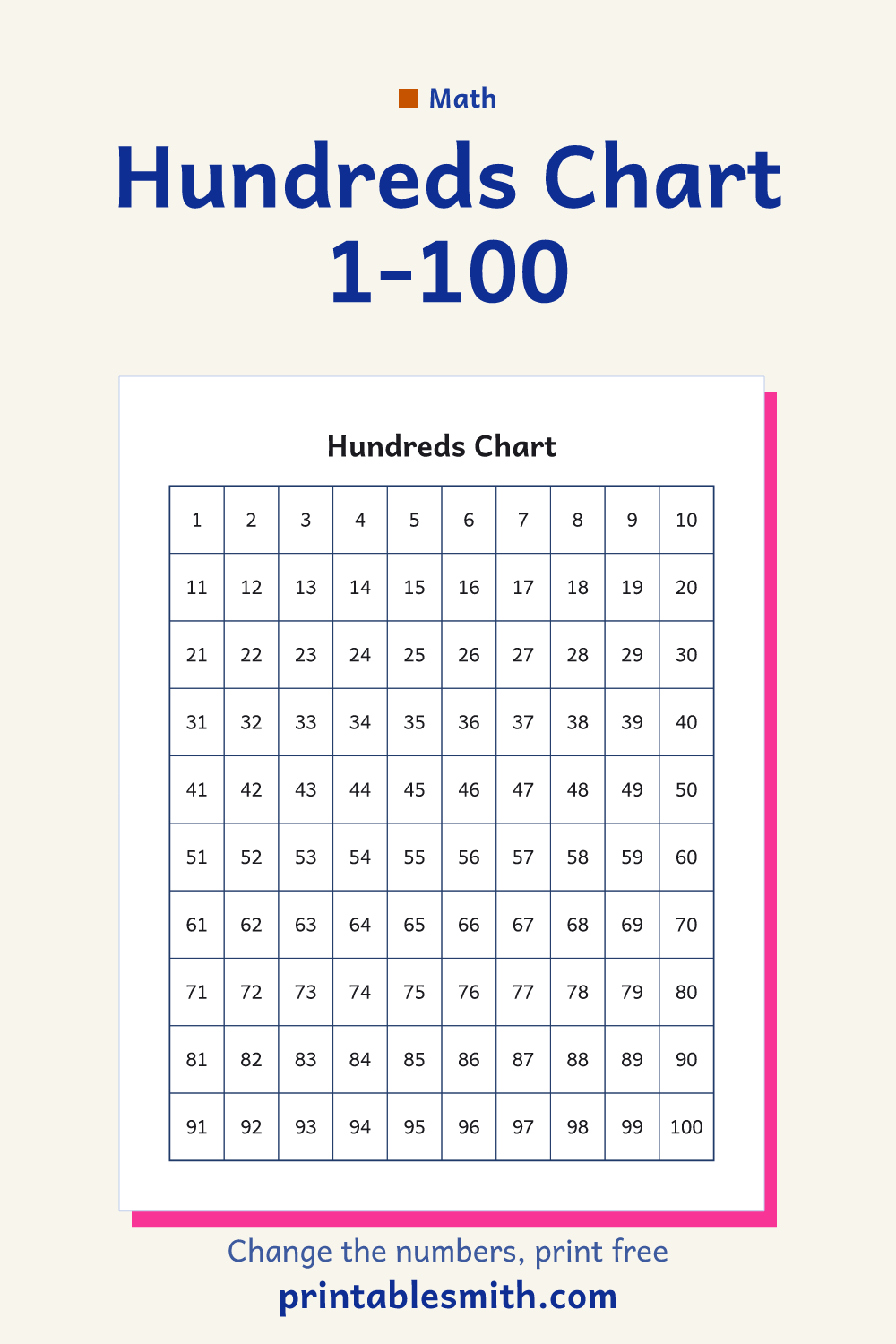
A hundreds chart sets out the numbers 1 to 100 in ten rows of ten. Moving one square to the right adds 1, and moving one row down adds 10, so children can see how our numbers are built from tens and ones.
Kindergarten and first grade teachers use it for counting to 100 and on to 120, for skip counting and for adding and taking away tens. A blank chart or one with missing numbers shows what a child can do alone; a small chart on the desk is a reference for the whole year.
How to print a hundreds chart
- Choose the numbers: 1 to 100, 0 to 99, or 1 to 120.
- Choose the chart: Filled in, Blank, Missing (numbers to write in) or To color (a skip-counting pattern).
- For missing numbers, choose how many are missing; each chart leaves out a different set. For a skip-counting pattern, choose to count by 2s, 5s, 10s or any number from 2 to 10.
- Under More, choose one, two or four charts to a page. Under For a class, print several different sheets of missing numbers and add the answer keys.
- Download or print the PDF. Answer keys follow the charts, with the written numbers in red and the colored pattern shaded.
Save it for later
Pin this sheet to find it again next time, or to share it with another teacher or parent. The link brings them straight to this page, ready to print.
Save to PinterestMore sheets from this maker to pin:


Tips and games for the hundreds chart
- Ask what number is one more, one less, ten more or ten less than a number on the chart. Ten more is always the square right below.
- Count by 10s down a column, then by 5s: the 5s fill two columns. Counting by 2s colors every other column.
- Play mystery number: give clues such as “it is more than 40, less than 50, and has a 6 in the ones place” until the child finds 46.
- Cover a few numbers with sticky notes or counters and ask what is hidden.
- Cut a filled-in chart into a few large pieces and rebuild it as a puzzle.
- Start with ten to twenty missing numbers, and leave out more as counting gets easier.
Common questions
Is it free?
Yes, every chart and every answer key. No account, no email and no watermark.
Which chart should I print: 1 to 100, 0 to 99 or 1 to 120?
1 to 100 is the classic hundreds chart. On a 0 to 99 chart every row has the same tens digit, which some teachers find clearer. The 120 chart is for first grade, where children count on past 100.
How do the missing number charts work?
Choose how many numbers to leave out, from 5 up to all but ten. The first number always stays so children know where to start, and each chart leaves out a different set. Add answer keys to check the work.
How do I make a skip counting chart?
Pick a number under Skip counting, such as By 5s. On a filled-in chart the numbers are shaded for you; choose To color for a chart the child colors, with the pattern shaded on its answer key when answer keys are on.
Can I print more than one chart on a page?
Yes. Under More, choose two or four charts to a page, with dashed lines to cut along. Blank and missing number charts print two to a page at most (a 120 chart one), so children have room to write.
Can I print it in black and white?
Yes. Choose Black under Look: the chart prints in lines and numbers only, and any shading prints in light gray.
Can I print the same sheets again?
Use “Copy link to this chart”. The link rebuilds the same charts with the same missing numbers. Charts you download or print on this device are also listed under “Your recent sheets”.