The same steps, every night
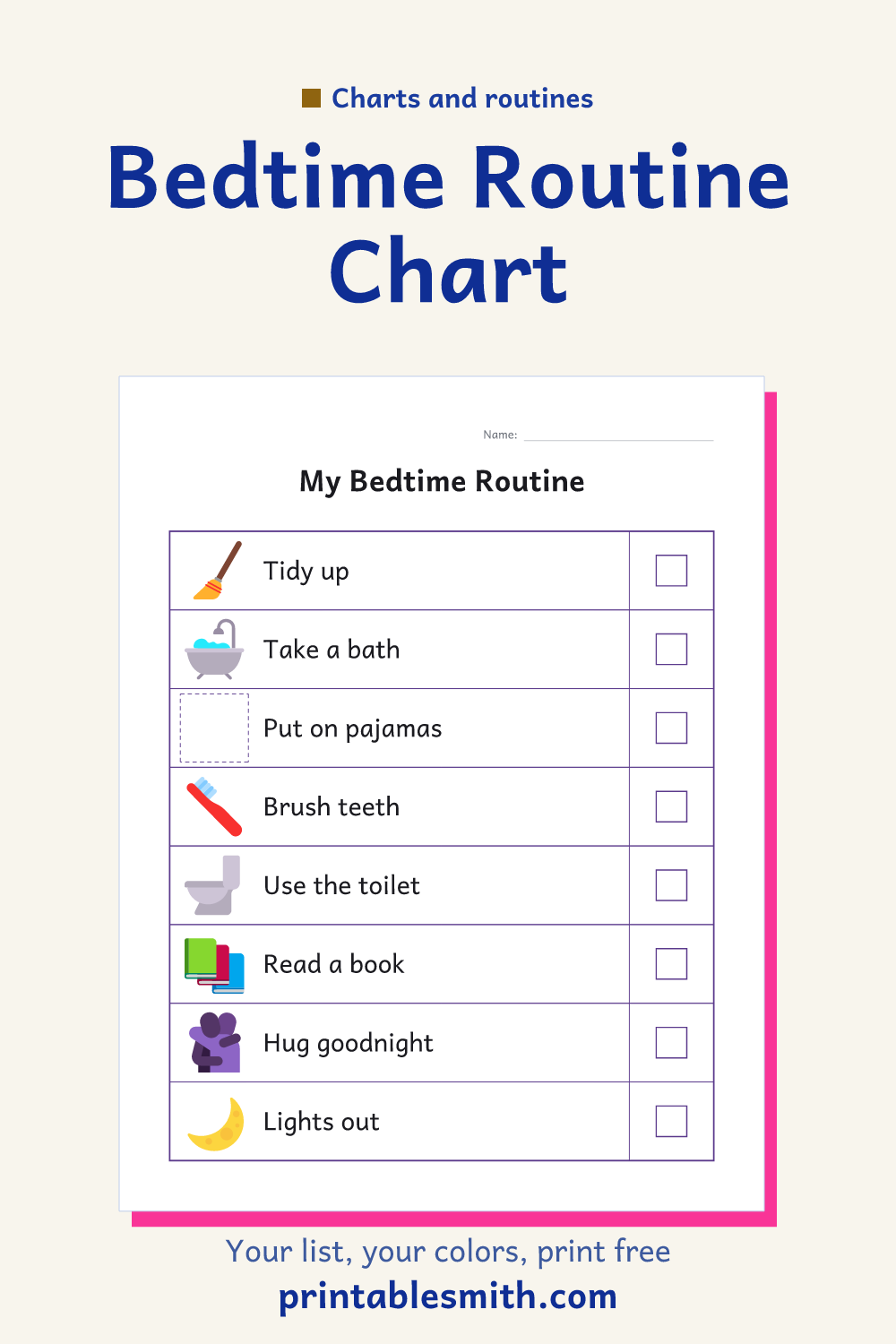
A bedtime routine chart shows the steps between playtime and sleep, in the same order each night: tidy up, bath, pajamas, teeth, the toilet, a story and lights out. Doing the same things in the same order helps a child know that bedtime is coming.
Parents use bedtime charts from toddlerhood, often with a picture for each step so a child who cannot read yet can follow along. Older children can tick each step themselves.
How to make a bedtime routine chart
- Eight steps are ready to print: tidy up, bath, pajamas, teeth, the toilet, a book, a hug and lights out.
- Rewrite any line to fit your evening (a shower in place of the bath, say), or tap a picture under “Add a step” to put one at the end.
- Keep the boxes to tick, or choose Strip or Cards under Layout for picture cards instead.
- A soft color such as navy or purple suits a bedroom, and Black saves ink. Then download or print.
Save it for later
Pin this sheet to find it again next time, or to share it with another teacher or parent. The link brings them straight to this page, ready to print.
Save to PinterestTips for an easier bedtime
- Keep it short: six to eight steps that take about half an hour in all.
- Start at the same time each night, and leave screens out of the last steps before sleep.
- Put the chart in the bathroom or the bedroom, low enough for your child to reach.
- Let your child choose small things, such as which pajamas or which book, so the routine feels like theirs.
- End with something warm and the same each night, such as a hug or a song.
Common questions
Is the bedtime routine chart free?
Yes. Download or print it as often as you like, with no account, no email and no watermark.
What goes on a bedtime routine chart?
The steps your child does every night, in order. Most charts have tidying up, a bath, pajamas, brushing teeth, the toilet, a story and lights out.
What age is a bedtime chart for?
Many families start a picture chart around age two or three. Older children can use a longer list and tick each step.
Can I add a step without a picture?
Yes. Type it on its own line: if there is no matching picture, it prints with an empty square to draw in.
Can I print it in black and white?
Yes. Choose Black under Look for black lines and black and white pictures.
Can I save my chart?
Use “Copy link to this schedule”: the link brings back your steps, layout and colors.