One goal, one sticker at a time
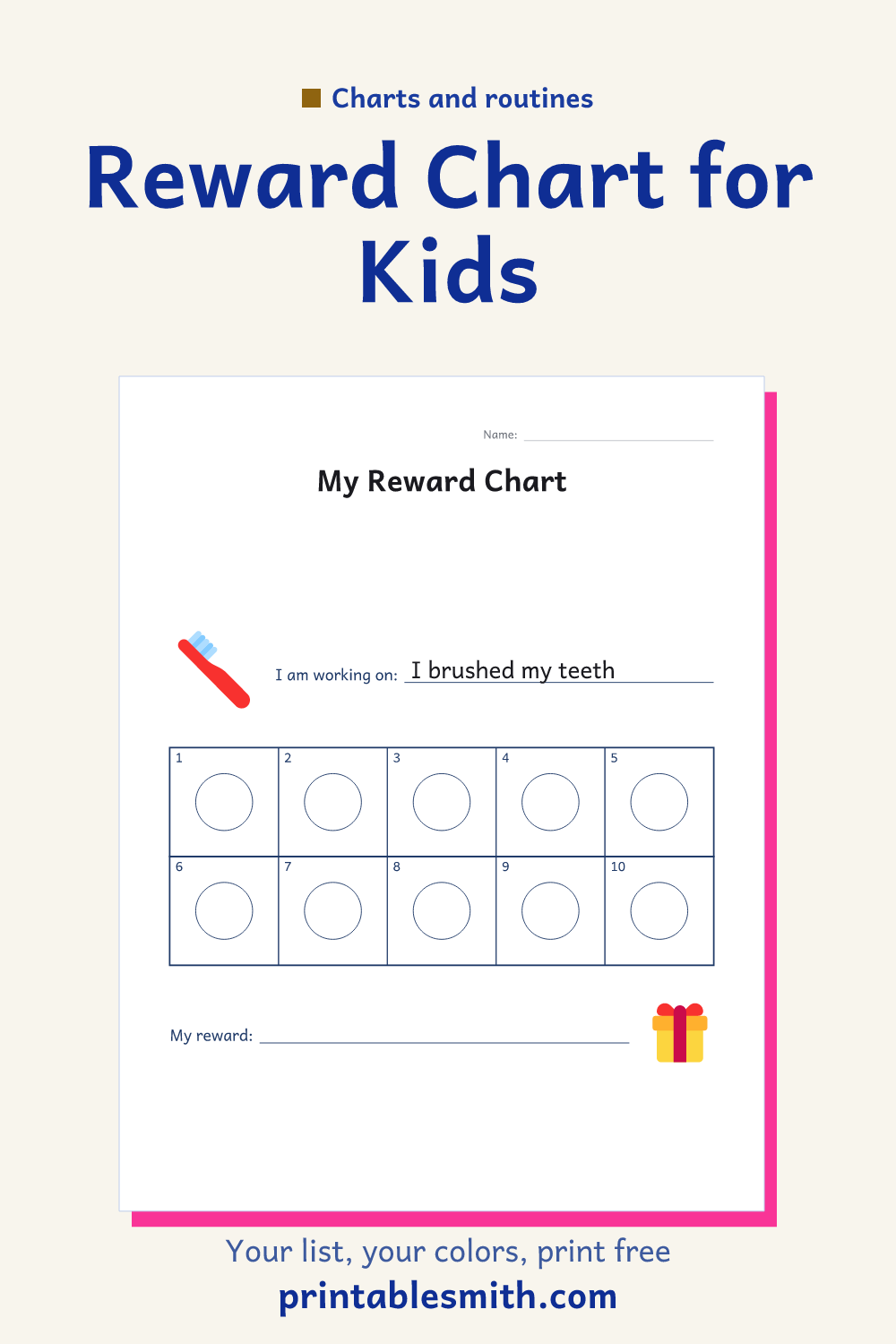
A reward chart is a page with one goal at the top and a row of spaces below it. Each time the child does the thing, a sticker goes in the next space; when the spaces are full, the child earns the reward written at the bottom. The numbers in the spaces let a child count how far there is to go.
Parents use reward charts for brushing teeth, staying in bed, using the potty or getting ready on time. Teachers use them for one child’s goal, such as finishing work or raising a hand. Sticker charts work best for one clear goal at a time, with a reward that comes soon enough to feel real.
How to make a reward chart
- Pick a ready-made goal, such as Teeth, Bedtime or Listening, or write your own. The goal is written on the chart beside “I am working on”.
- Choose a picture for the goal from the site’s own set, or no picture.
- Choose how many spaces: 5 to 30. Choose circles for stickers or stars to color, with or without numbers.
- Write the reward, or leave it empty to write it in with your child. Add each child’s name for a page each.
- Pick the chart’s color under Look; Black uses the least ink. Download the PDF or print it on US Letter or A4.
Save it for later
Pin this sheet to find it again next time, or to share it with another teacher or parent. The link brings them straight to this page, ready to print.
Save to PinterestTips for using a sticker chart
- Choose one goal and say it in the words your child uses, such as “I stayed in my bed” rather than “better sleep”.
- For toddlers and preschoolers, start with 5 or 10 spaces. Older children can work toward 15 to 30.
- Agree on the reward before you start: a trip to the park, a new book or time with you can work as well as a toy.
- Give the sticker right away and say what it was for.
- Never take a sticker back. A chart that only goes forward keeps it hopeful.
- When the goal becomes easy, celebrate, put the chart away and pick a new goal.
Common questions
Is the reward chart maker free?
Yes, every goal, picture and number of spaces. There is no account, no email and no watermark.
How many sticker spaces should a chart have?
For children under five, 5 to 10 spaces, so the reward comes within a few days. For school-age children, 15 to 30. You can choose any number from 5 to 30.
What size stickers fit?
The circles are three quarters of an inch across where the page has room, the common round sticker size. With many spaces they print smaller, but never under half an inch.
Can I use stars instead of stickers?
Yes. Choose Stars to color under Spaces: each space has a star the child colors in.
Can I make a chart for each of my children?
Yes. Put each name on its own line under Children’s names, up to 12, and every child gets a page with the same goal and their own name printed on it.
Can I print it in black and white?
Yes. Choose Black under Look: lines and words in black, and the picture in black and white.
Can I save my chart?
Copy the link with “Copy link to this chart” and keep it: it brings back your goal, picture, spaces and reward. Children’s names are left out of the link and stay on this device.