A week you can see at once
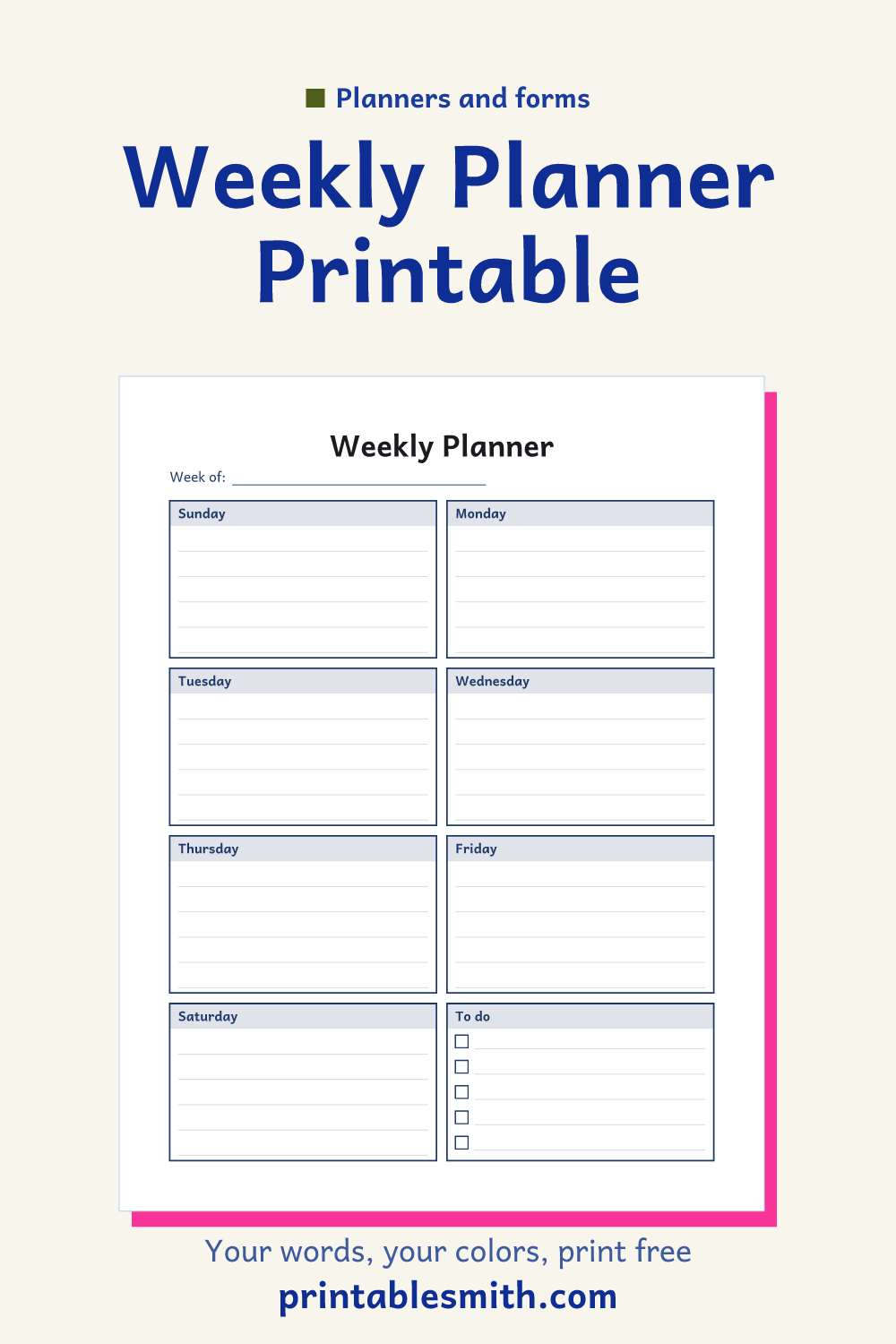
A weekly planner puts the seven days side by side, so a busy Thursday shows up on Sunday night while there is still time to move things. This one prints the whole week on one page: a box for each day with lines to write on, or seven columns with the hours from 6 am to 10 pm down the left.
Picture the fridge on a Sunday evening: swim practice on Monday and Wednesday, a dentist visit on Tuesday at 3:30, two birthday parties on Saturday, and a to-do box with “buy a gift” and “sign the field trip form”. Families use it that way, students plan homework and tests on it, and people working from home block out their calls. Habit rows at the bottom give a box a day for things like reading or a walk.
How to make a weekly planner
- Pick a layout. A box a day prints upright, with one more box for the to-do list or notes. Days in columns prints on its side, like a desk planner.
- Choose the whole week or Monday to Friday, and whether the week starts on Sunday or Monday.
- On days in columns, add hours from 6 am to 10 pm, every hour or every 30 minutes.
- Turn the to-do list and notes on or off, and add up to three habit rows with a box to tick each day.
- Leave the dates blank to print one planner for any week, or fill them in: pick a day and the planner prints the week’s dates.
- Choose a color under Look, or Black for a page of boxes that costs little ink, then download the week as a PDF or print it.
Save it for later
Pin this sheet to find it again next time, or to share it with another teacher or parent. The link brings them straight to this page, ready to print.
Save to PinterestTips for planning a week
- Write the fixed things first: school, work hours, lessons and appointments. What is left is the time you really have.
- Keep the to-do list to what must happen this week. Put “someday” jobs on a separate checklist.
- Use the hours layout for days packed with appointments, and the boxes for days that are mostly lists.
- Print a few blank weeks at once and keep them in a folder, so next week is ready on Sunday.
- Give each person in the family one color of pen, so everyone can find their own plans at a glance.
Common questions
Is this weekly planner free?
Yes. You can make, download and print as many weekly planners as you like, with no account, no email and no watermark.
What should a weekly planner include?
Most people need each day’s appointments, a to-do list for the week and a little room for notes. Add the hours if your days are full of meetings or lessons, and habit rows for the small things you want to do every day.
Can I print a weekly planner with time slots?
Yes. Choose Days in columns, then Every hour or Every 30 minutes under Hours down the left. Each day gets a column from 6 am to 10 pm.
Is there a Monday to Friday version?
Yes. Choose Monday to Friday under Days. The planner prints the five weekdays, with bigger boxes or wider columns.
Can I print it without dates, for any week?
Yes. With the dates left blank, the planner has a “Week of” line to write on, so one print works for any week of the year.
Which is better, boxes or columns?
Boxes suit lists of errands and reminders and print upright. Columns suit days you plan hour by hour and print on the page’s side, like a desk planner.
Can I save my planner?
Use “Copy link to this planner”. The link rebuilds the same planner with your layout, dates and colors.