How to make a spelling worksheet
- Type this week’s spelling words, one per line, or pick a saved list from My lists.
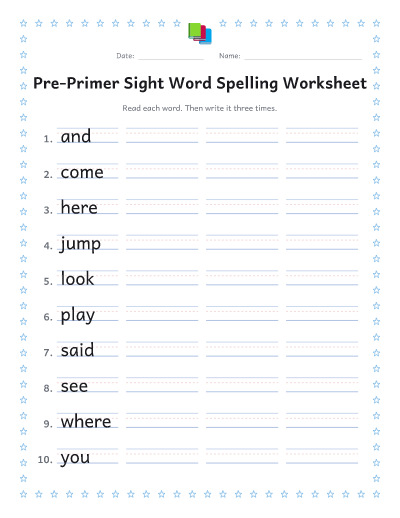
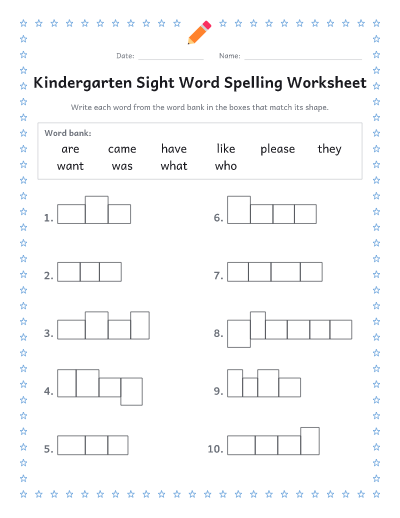
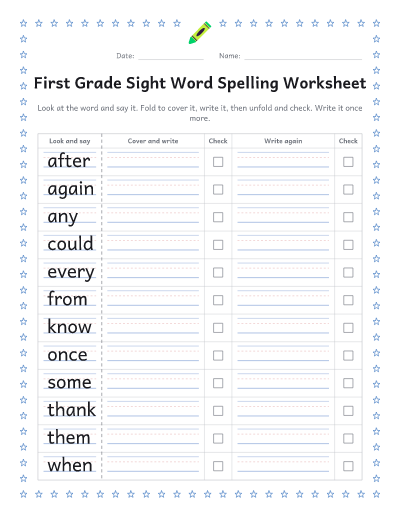
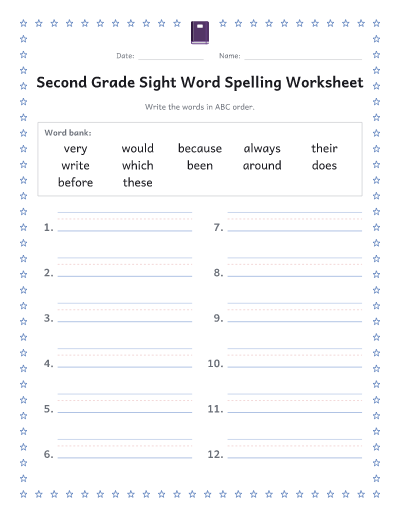
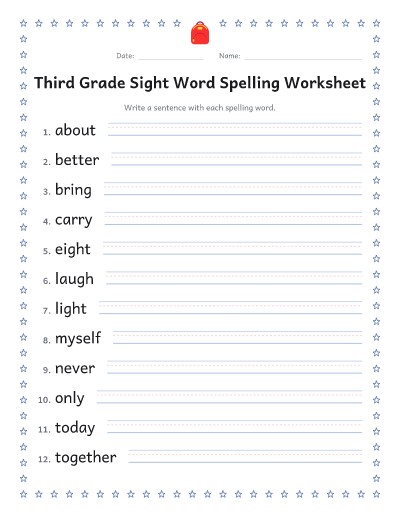
- Choose a sheet: write each word three times, a spelling test, ABC order, word shapes, sentences, or look, say, cover, write, check.
- Check the preview. Every list fits on one page, in letters as large as the page allows.
- Download or print the PDF. A test, ABC order and word shapes come with an answer page after the worksheet.
Tips for spelling practice
- One list, a different sheet each day: copying on Monday, ABC order on Tuesday, word shapes on Wednesday, sentences on Thursday and the test on Friday.
- Look, say, cover, write, check works best folded: fold along the dashed line so the word is hidden while it is written, then open the page to check.
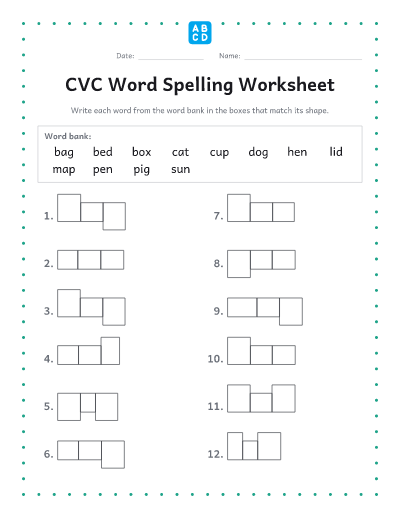
- Word shapes help children notice letters that reach up (b, d, h, k, l, t) and hang down (g, j, p, q, y). Two words with the same shape can swap places, and either answer is right.
- The words print in a school-style font with a plain a and g, the way children learn to write them.
- Plain lines suit older children and adults; handwriting lines with a dashed middle help children still learning letter sizes.
- Save the list once with “Save list”, and every other maker on the site can use it: a word search, a word scramble or bingo with the same words.
Common questions
Is it free?
Yes. No account, no email and no watermark on the worksheet or the answer page.
How many words fit on a sheet?
Up to 20 words of up to 20 letters, always on one page. Short lists print in big letters with plenty of room to write; long lists print smaller.
Where are the words on the spelling test?
The test sheet has numbered lines only, so children write each word as you read it. Your list prints on the next page, in the order to read it.
How are the word shapes drawn?
Each letter gets a box: a short one for letters like a and e, a tall one for letters that reach up and for capitals, and one that hangs below the line for g, j, p, q and y. The rows are mixed up, so children have to match each word to its shape.
Can I keep my list for next week?
Yes. “Save list” keeps it in this browser, under My lists, on this device only. Nothing is uploaded. “Copy link to this sheet” also rebuilds the same worksheet later.
Can I print without downloading?
Yes. Print, next to Download, sends the worksheet straight to your printer. On some browsers and on phones it opens in a new tab, ready to print from there.
Does it work for A4 paper?
Yes. Choose A4 under Paper, and every sheet is laid out again for A4, still on one page.