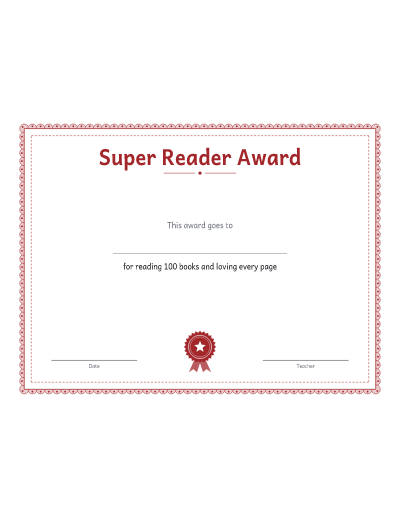
How to make award certificates
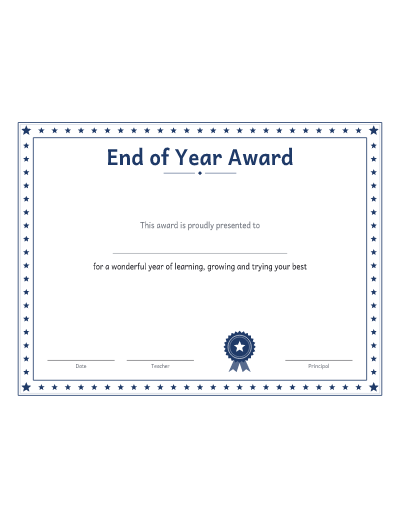
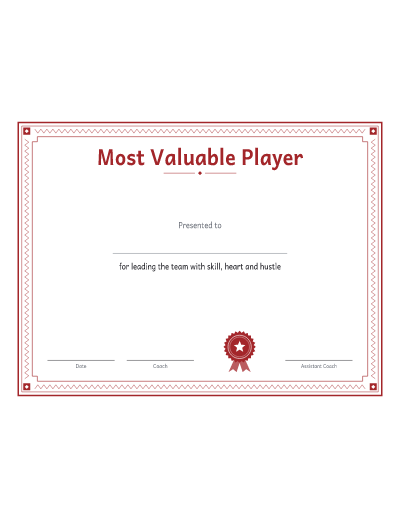
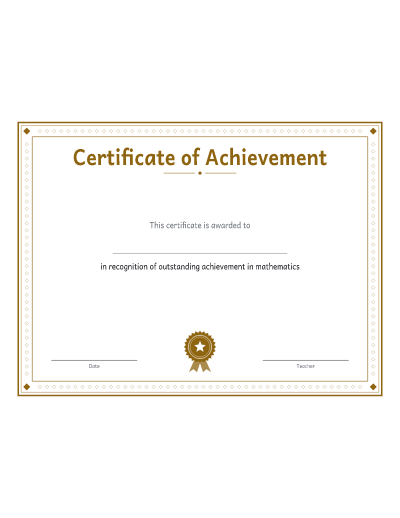
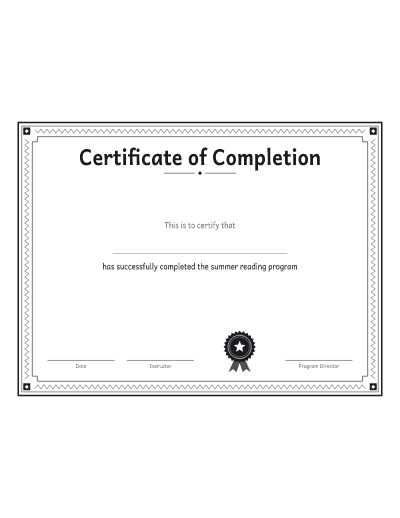
- Type the award title, such as “Certificate of Achievement”, “Star Reader” or “Most Valuable Player”.
- Add the reason, if you want one, and the line printed above the name.
- Type the names, one per line. Each name gets its own certificate, so a whole class or team prints in one go. Leave the names empty for a blank certificate to fill in by hand.
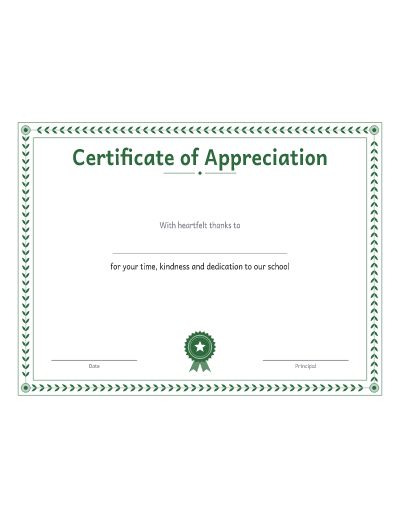
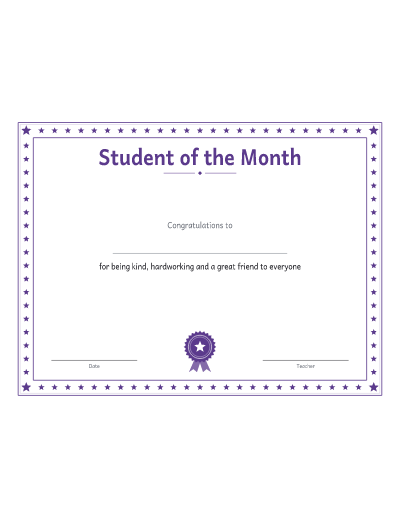
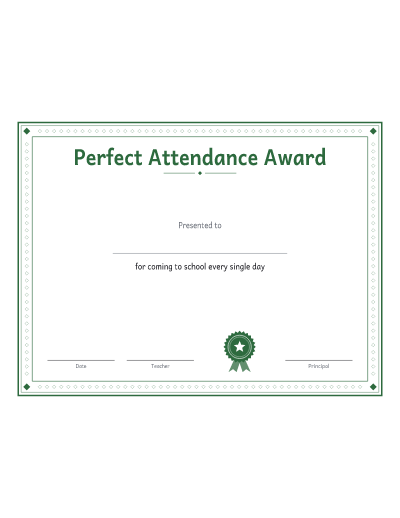
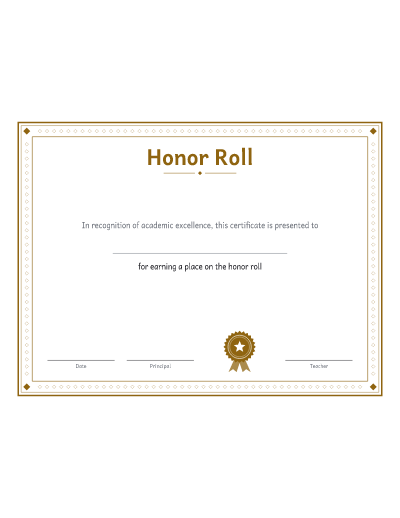
- Pick a border, then a color and a seal under “Look”, and the date and signature lines under “More”.
- Download or print the PDF. Every certificate is landscape, on Letter or A4, with the border well inside the edge so nothing is cut off.
Tips for giving awards
- Make the reason specific: “for never giving up on long division” means more to a child than “for hard work”.
- For end of year awards, give every student their own award: type “Name - Award - reason” on each line and the whole class prints at once.
- Print on card stock or ivory paper for a certificate that feels special, and sign in blue or black ink.
- Navy, red, green and black borders print clearly in black and white, so a school copier works too.
- Hand certificates out one at a time and read the reason aloud: the words matter as much as the paper.
- Keep a blank certificate in your desk for moments that deserve one right away.
Common questions
Is it free?
Yes. No account, no email and no watermark. Print as many certificates as you like.
Can I make a certificate for every student at once?
Yes. Type the names one per line, up to 100, and each name gets its own page in the same PDF. To give each student a different award, put it after the name with a dash, and the reason after another dash.
Are the names saved anywhere?
No. Names stay in your browser while you work. They are not sent anywhere, not put in the link and not remembered on the device.
Can I print a blank certificate to fill in by hand?
Yes. Leave the names empty, and the certificate prints with a line for the name. Leave the date empty too, and the date line is blank.
Will it print well in black and white?
Yes. Every color is dark enough to read on a black and white printer, and the words are always printed in black.
What size is the certificate?
Landscape US Letter (11 × 8.5 inches) or A4. The border stays half an inch inside the paper’s edge, so home printers do not cut it off.
Can I make the same certificate again next year?
Use “Copy link to this certificate”. The link rebuilds the award, the reason and the look, without the names, so you only type the new names.