A list you can tick on paper
Some lists work better on paper: the one taped inside the closet door, the one in the suitcase, the one a whole class can see. This maker prints yours with a box to tick on every line, in one, two or three columns, with squares, circles or stars, and numbers if the order matters.
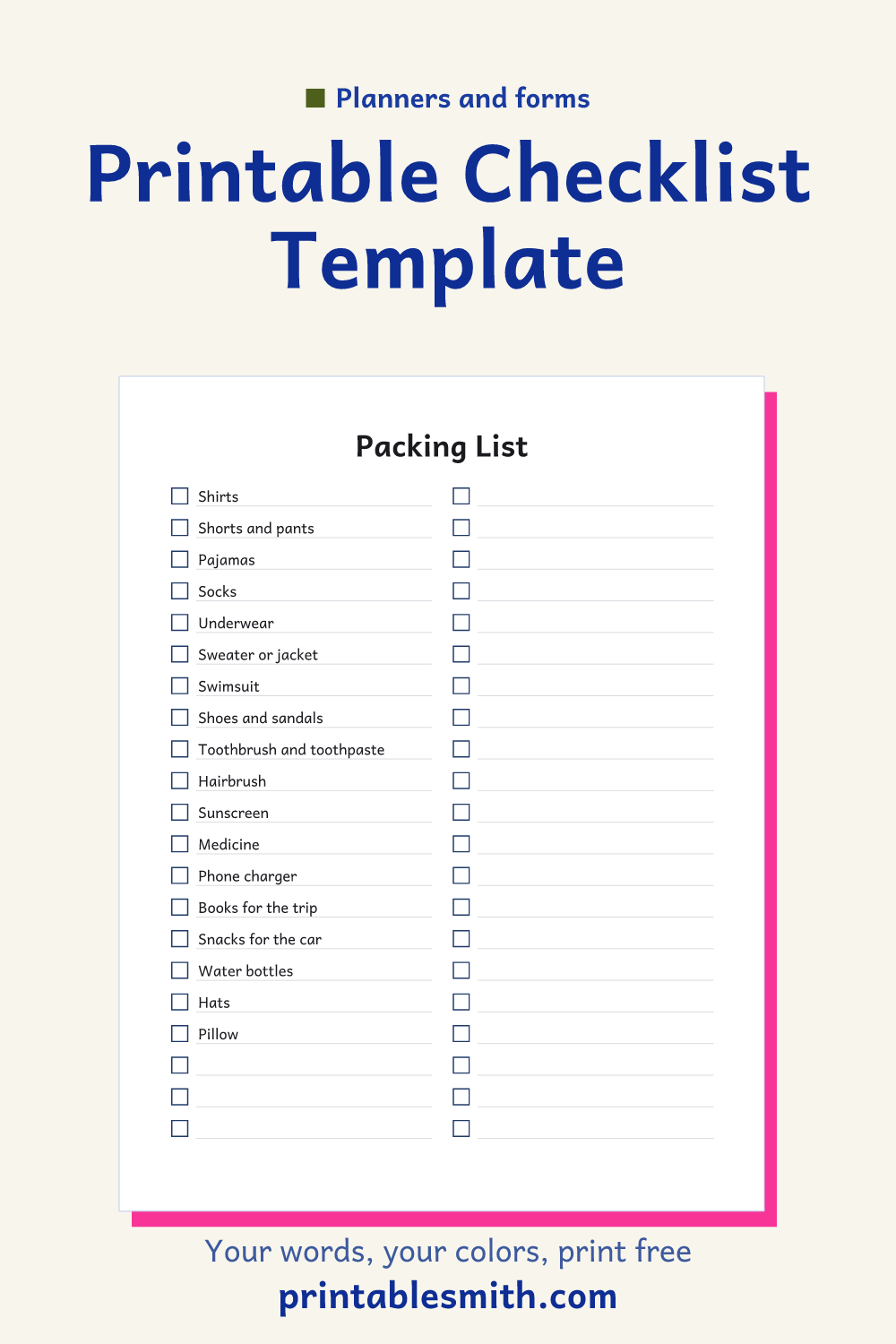
Take the night before a family trip. The packing list prints in two columns, each child gets a copy, and every swimsuit and toothbrush gets a tick as it goes into the bag. Teachers print supply lists for the first day, cleaners print a room-by-room list, and someone moving to a new home tapes a 12-line list to the fridge. Large print makes bigger words and boxes for anyone who reads better that way.
How to make a printable checklist
- Type a title, then your lines, one a line, up to 60. Or pick a ready-made list: packing, cleaning, school supplies, moving, or a blank to-do list.
- Choose one, two or three columns, and square, circle or star boxes.
- Turn on Number the lines for steps that go in order.
- Keep Fill the page with empty lines on to add lines to write on after yours, or turn it off to stop at your last line.
- Choose Large print for bigger words and boxes. A long list goes onto a second page by itself.
- Pick a color under Look, or Black to save ink, then download the list and print a copy for everyone who needs one.
Save it for later
Pin this sheet to find it again next time, or to share it with another teacher or parent. The link brings them straight to this page, ready to print.
Save to PinterestTips for a checklist that gets used
- Start each line with a verb (“Pack”, “Call”, “Wipe”): it reads as something to do, not something to think about.
- Put the lines in the order you will do them, and number them if the order matters.
- Keep a master packing or cleaning list and print a fresh copy each time, instead of reusing a crossed-out one.
- Tape the list where the job happens: inside a cupboard door, on the suitcase, by the classroom door.
- For a child, use stars and large print, and keep the list to what the child can do alone.
Common questions
Is there a free checklist maker with no sign-up?
Yes, this one. Type or paste your list, download the PDF and print it. Nothing you type leaves your device, and no account or email is asked for.
How do I make a printable checklist?
Type a title and one item a line, choose columns and box shapes, and download. The checklist prints with a box beside every line, on US Letter or A4.
What kinds of checklists can I make?
Any list you can type: packing lists, cleaning lists, school supply lists, moving lists, shopping lists, steps for a job, or a blank to-do list to fill in by hand.
Can I make a to-do list for the week?
Yes. Pick the blank to-do list for a page of empty lines, or type the week’s jobs. For a list beside each day, use the weekly planner.
Can I print a checklist in large print?
Yes. Turn on Large print for bigger words and boxes, in one or two columns.
Can I add pictures?
Not on this checklist. For a picture list a young child can follow, use the morning routine chart or the visual schedule maker.
Can I save my checklist?
Use “Copy link to this checklist”. The link rebuilds the same checklist with every line you typed.