What a seating chart is for
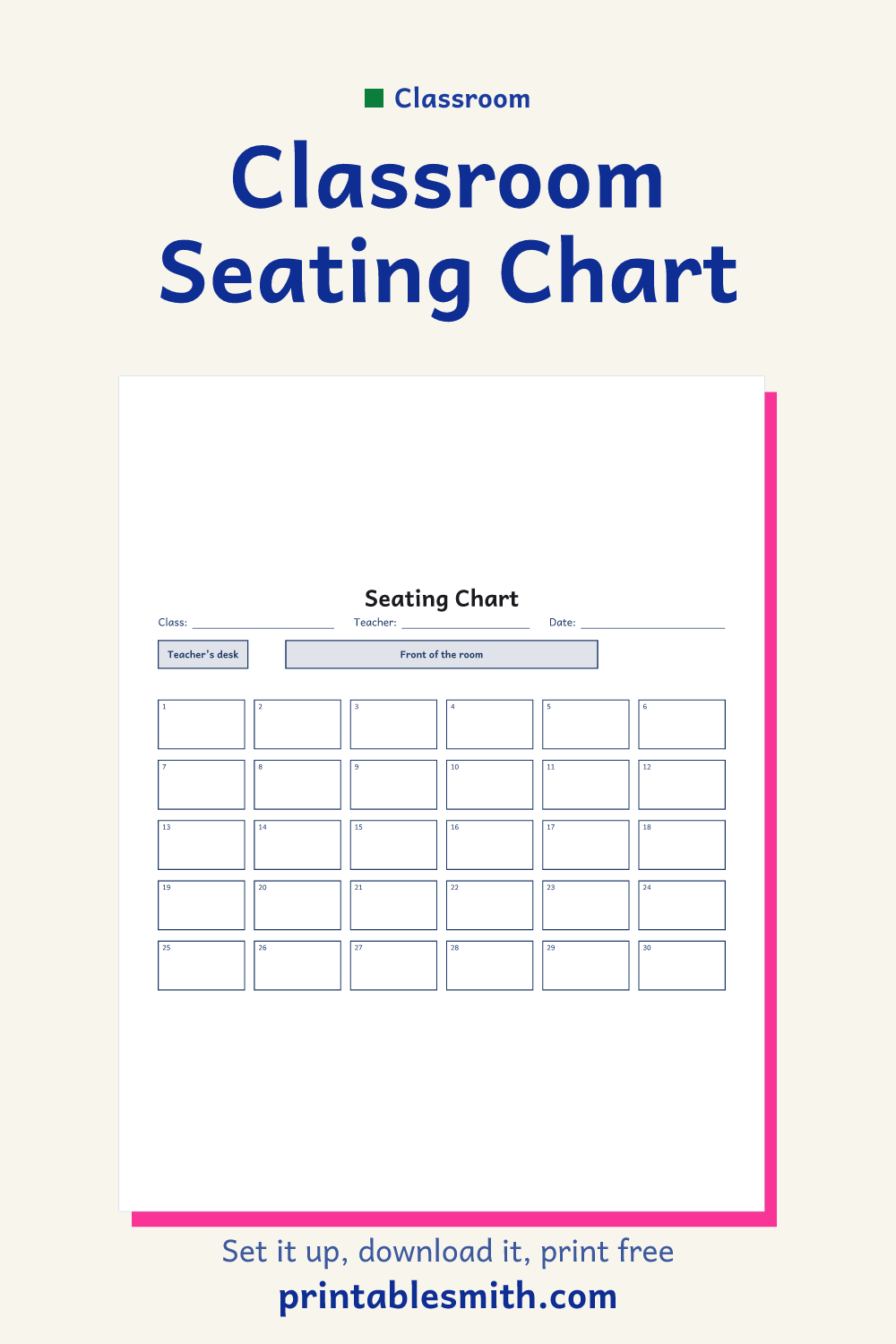
A classroom seating chart is a plan of the room from above: where each desk is and who sits there. This page prints one on its side, with the board marked “Front of the room”, the teacher’s desk at the front left or right, and desks in rows, desks pushed together in pairs, or tables of 4 or 6 with seats on two sides.
A fourth-grade teacher with 24 students picks six tables of four and pastes her class list. The names fill the seats from the front left in the order she typed them. She presses New seats until the mix looks right, then prints one copy for her desk and one for the substitute folder.
The class list stays in your browser and is never put in the page’s link. A copied link brings back the room, the layout and the mix, ready for the same list to be pasted in again.
How to make a seating chart
- Pick desks in rows, in pairs, or tables, and set how many: up to 8 rows of 8 desks, or 10 tables.
- Type or paste the class list, one name per line. Leave it empty to print empty, numbered desks.
- Press New seats to mix the names into new places, as often as you like. To go back to list order, press Start over and paste the list again.
- Choose where the teacher’s desk sits, then download the PDF.
Save it for later
Pin this sheet to find it again next time, or to share it with another teacher or parent. The link brings them straight to this page, ready to print.
Save to PinterestMore sheets from this maker to pin:


Tips for seating a class
- Leave a gap of one desk by the door or at the back for a student who needs a quiet spot or a fresh start.
- To seat a student near the board, put that name first in the list and keep the list order.
- Print in black and write the names in pencil if seats change often.
- Number the desks to match numbered cubbies or name tags, so a visiting teacher can find a student’s seat from the cubby.
Seating chart questions
How do I make a seating chart for a classroom?
Pick rows, pairs or tables on this page and set how many, paste your class list, and press New seats to mix it or keep the list order. Then download the PDF.
What is the easiest way to create a seating chart?
Start from your room as it is: count the rows or tables, type the class list once, and let the page place the names. Change the order of the list to move a student.
Is there a free tool to create a seating chart?
Yes, with no account, and the class list never leaves your browser. The chart downloads as a PDF on Letter or A4, ready for the substitute folder.
What are the best classroom layouts for seating?
Rows for tests and independent work, pairs for partner work, and groups of 4 or 6 for projects and discussion. Many teachers change the layout with the unit.
How do I make a random seating chart?
Paste your class list and press New seats. Each mix has its own link, so the same chart comes back when you paste the same list again.
How many desks fit on one chart?
Up to 64: 8 rows of 8 desks or of 4 pairs, or 10 tables of 6 seats for 60. The names shrink to fit each desk.
Can I print a blank seating chart?
Yes. Leave the class list empty and the desks print empty and numbered, ready to fill in by hand.