Cornell notes paper, set up and ready
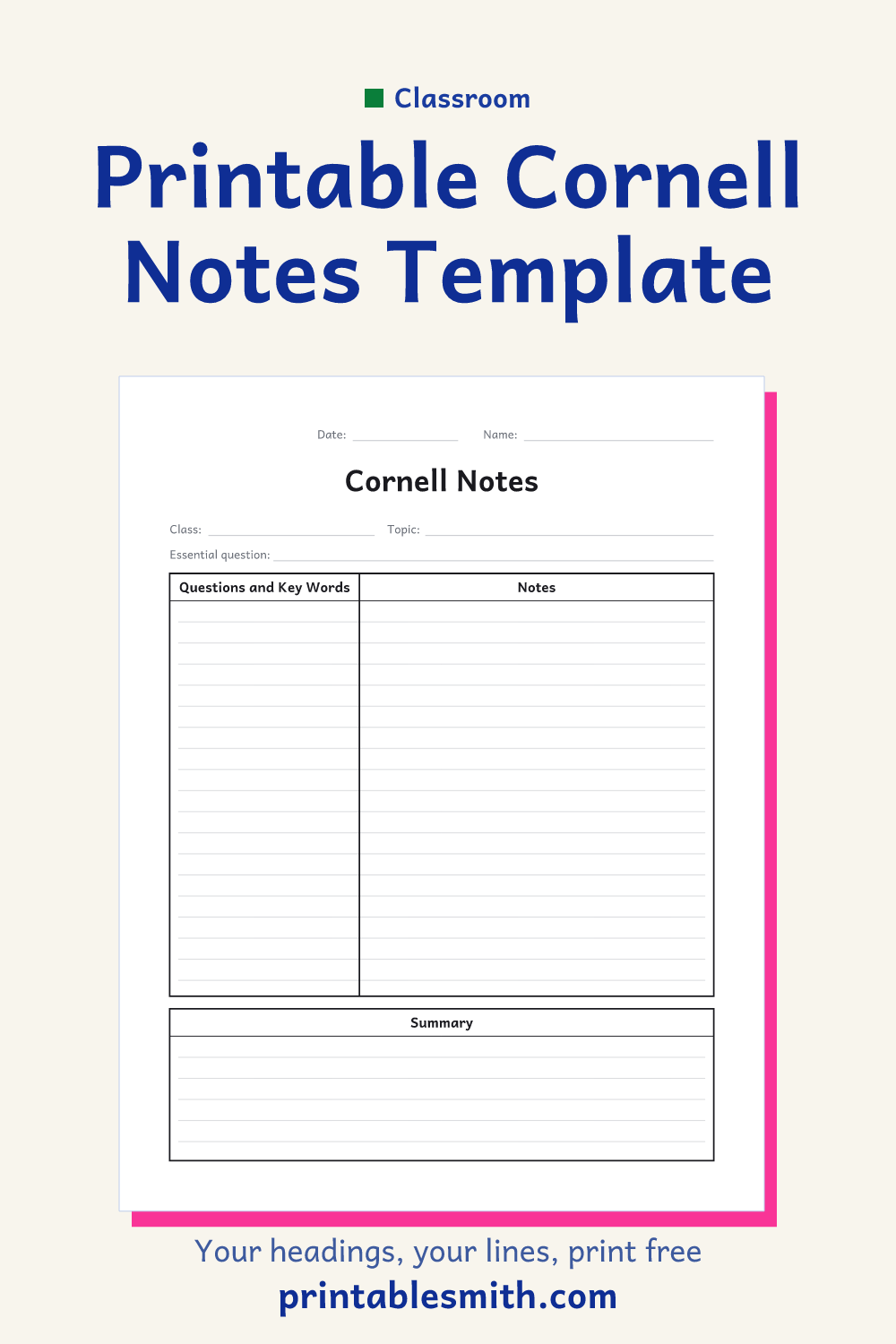
Cornell notes split a page in three. Notes go in the wide column on the right during class. Afterward, questions and key words go in the cue column on the left, beside the notes they point to. At the bottom, a few sentences sum up the whole page. Covering the notes and answering the cues makes the page a study sheet.
This template prints the layout the method calls for: a cue column about 2.5 inches wide, a summary box about 2 inches tall, and lines for the class, the topic and an essential question across the top. The lines run across both columns, so each cue sits on the same line as its note. College ruled is the default; wide ruled and primary lines are there too, and the column headings can be retyped.
A seventh grade science class watching a video on the water cycle takes notes on the right, then spends the last five minutes writing three questions in the cue column and a two-sentence summary, which become tomorrow’s warm-up.
How to make Cornell notes paper
- Pick college or wide ruled lines (or primary lines for younger students).
- Type over the column headings if your school uses others, such as Main Ideas and Details.
- Keep the name and date line on, so pages filed in a binder by topic stay in order, and choose US Letter or A4.
- Add a filled example on the water cycle to show how the three parts work together.
- Download the PDF and print as many pages as the unit needs.
Save it for later
Pin this sheet to find it again next time, or to share it with another teacher or parent. The link brings them straight to this page, ready to print.
Save to PinterestTips for Cornell notes
- Take notes in short phrases, not full sentences. The cue column is where the thinking happens afterward.
- Write the cues the same day, while the lesson is fresh, as questions a test might ask.
- Study by folding the page so only the cues show, then answer each out loud.
- Keep the summary to two or three sentences in your own words. If it will not fit, the main idea is not clear yet.
- For the whole method, the five R’s help: record, reduce, recite, reflect and review.
Cornell notes questions
What are Cornell notes?
Cornell notes are a way of taking notes on a page split into a cue column, a notes column and a summary at the bottom. The method was developed by Walter Pauk at Cornell University.
How do you set up Cornell notes on paper?
Draw a line about 2.5 inches from the left edge for the cue column and a line about 2 inches from the bottom for the summary, with a heading across the top. This template prints it ready, on Letter or A4.
What are the 5 R’s of Cornell notes?
The 5 R’s are record, reduce, recite, reflect and review: take the notes, cut them down to cues, say the answers aloud, think about what they mean, and go over them again later.
What goes in the left column of Cornell notes?
Questions, key words and short prompts that point to the notes beside them. They are written after class and used to quiz yourself.
How long should a Cornell notes summary be?
Two or three sentences is usual: enough to state the main ideas of the page in your own words, short enough to fit the box at the bottom.
Are Cornell notes good for students with ADHD?
They help some students: the fixed layout shows where each part goes and what to do after class. Others do better with another method, so try it for a week and see.
Can I print Cornell notes on A4?
Yes. Choose A4 under More and the page keeps the same cue column, notes column and summary box, fitted to A4.
How do I make a Cornell notes template in Word or Google Docs?
You can build one with a table of two columns and a row for the summary. This page prints it ready, with even lines and no setup, and a link that makes the same page again.